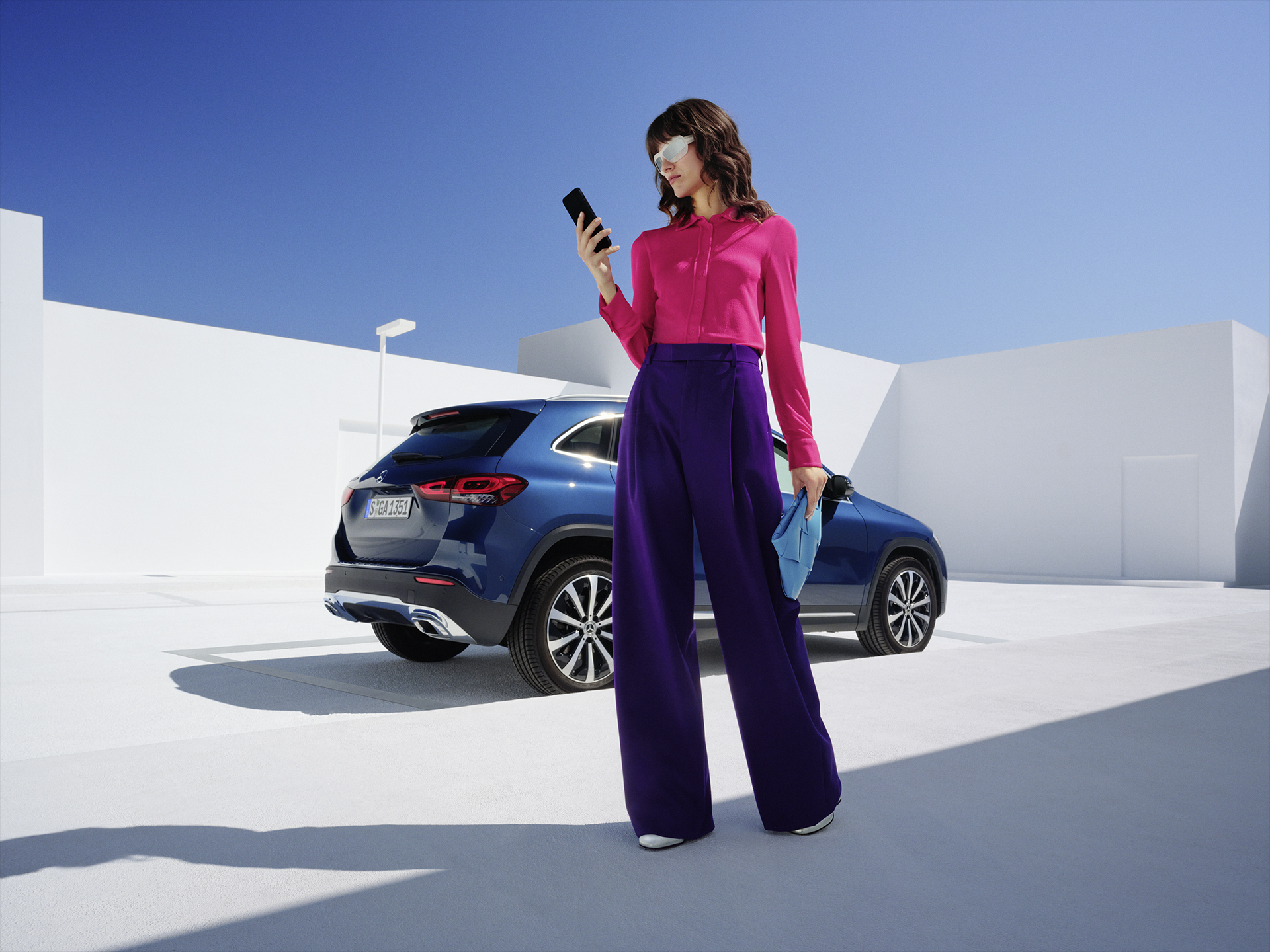
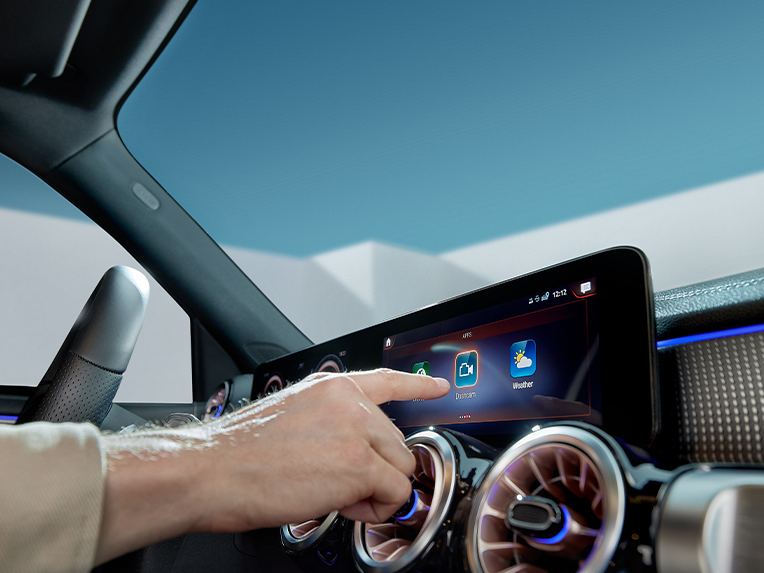
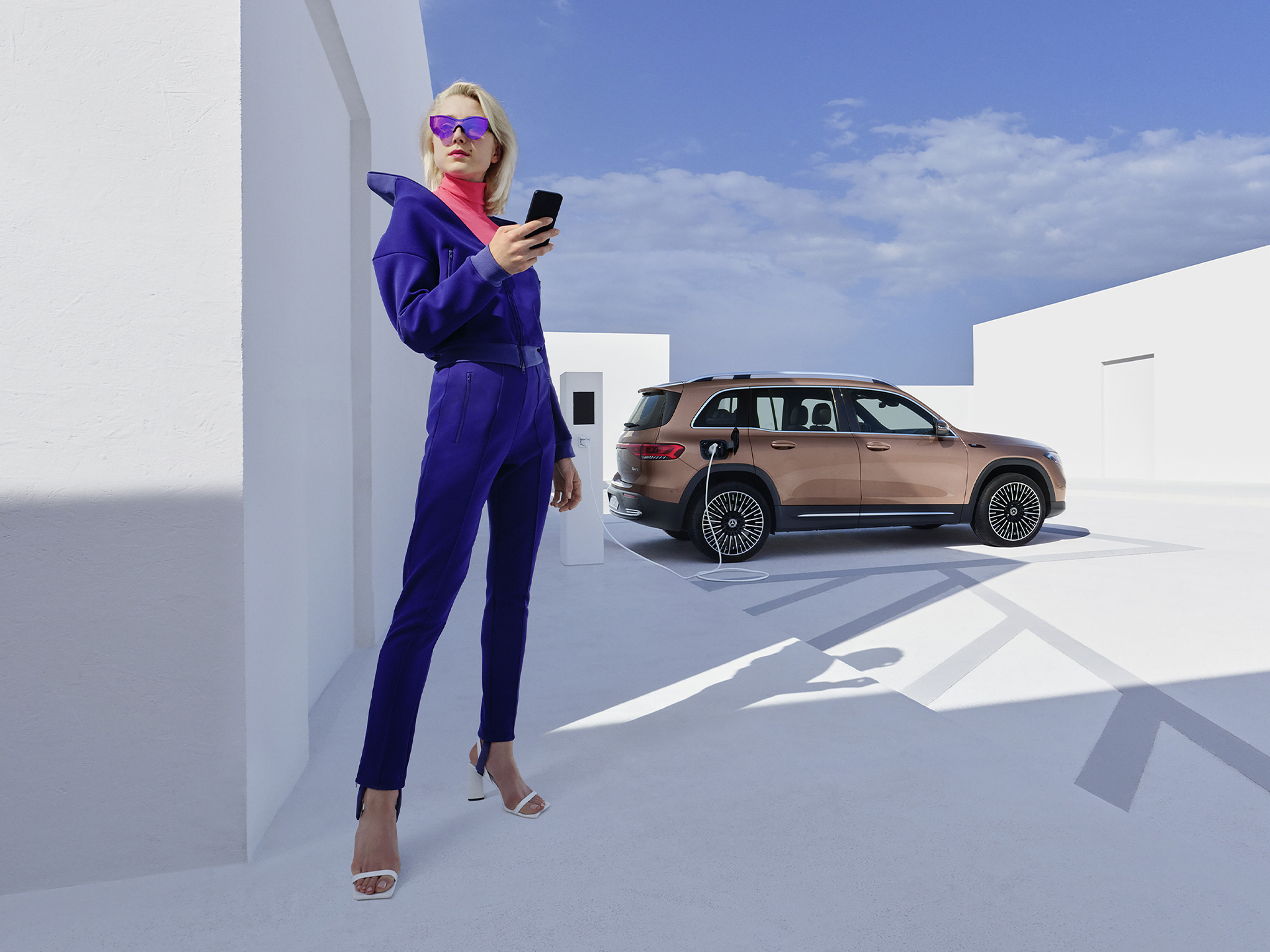
Digital Extras for your Mercedes-Benz.
Stay connected and secured with Dashcam.
Information provided and images displayed on this page may include overseas models and features not available in Australia. Vehicle specifications are subject to change and availability. Product changes may have been made since production of this content and visual appearance may be different in person. Please confirm specific information on vehicles and features available prior to purchase.
Digital Extras
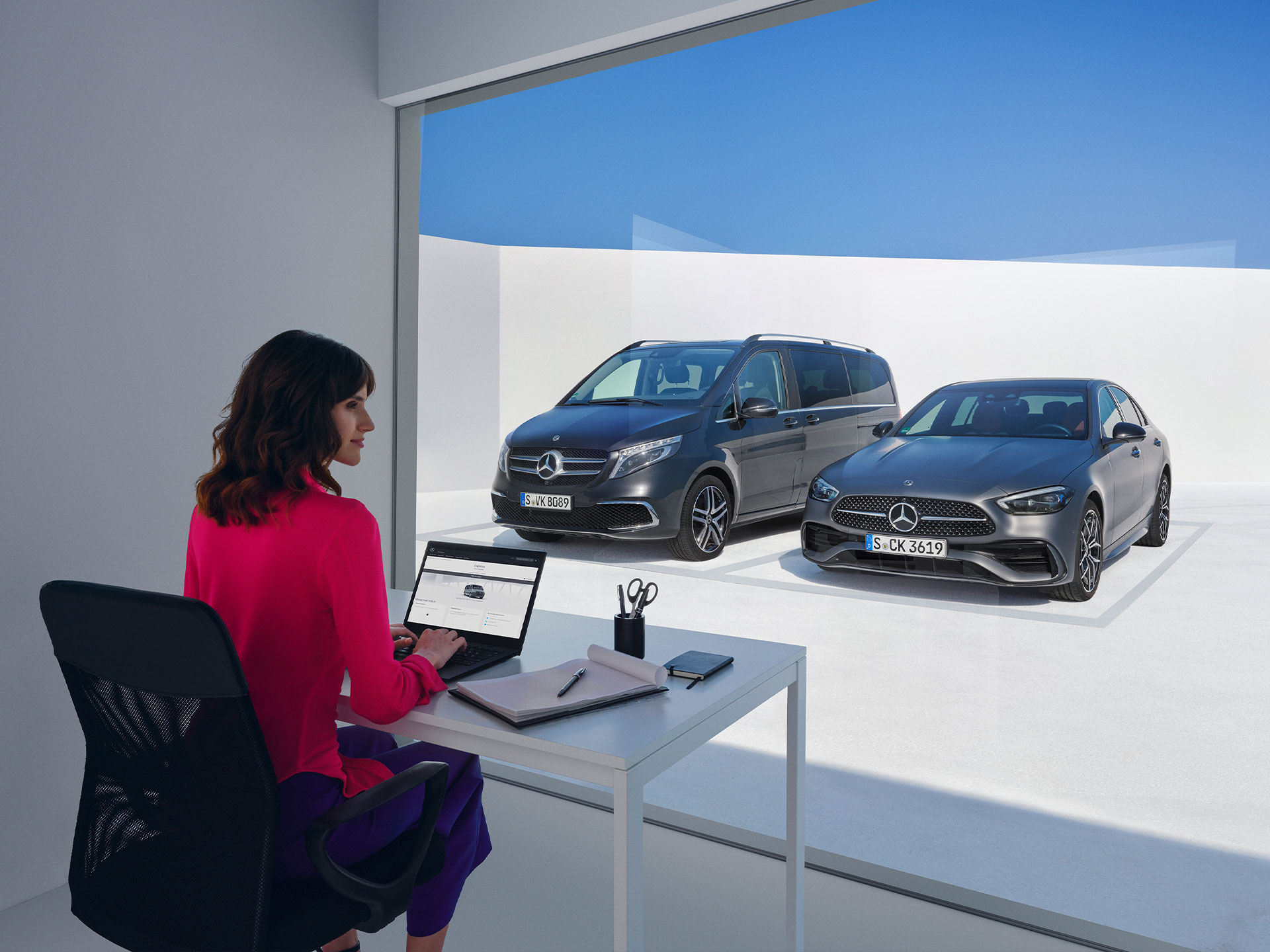
Right from the start, your Mercedes-Benz has more to offer than you may know. Depending on your vehicle model, manufacturing year, and specific technical requirements, many Digital Extras such as the Remote and Navigation package, or even the Dashcam. Certain Digital Extras may be complimentary for up to 3 years from the vehicle handover date. You can confirm which Digital Extras are complimentary for up to 3 years via the personal profile on the local Mercedes-Benz website. If you would like to continue to benefit from the advantages of these features after the complimentary period, or purchase additional Digital Extras, you can do so at any time through the Mercedes-Benz Store.
Current Offer
Upgrade your drive with 15% off the Digital Extras Excellence Package. Seamlessly connect your vehicle with your lifestyle for effortless, refined drives and discover a new way to experience your car enhanced by Mercedes-Benz Digital Extras.
Current Offer
Mercedes-Benz Digital Extras offers features that keep you connected, entertained, and secure from seamless streaming and dashcam recording, to off-road support and finding your car with ease. For a limited time, enjoy 10% savings on select Digital Extras.
Mercedes me ID
Log in or register with your Mercedes me ID to experience our Digital Extras. Your personal Mercedes me ID is the key to the digital world of Mercedes-Benz and offers even more benefits beyond:
- Manage your vehicle and experience the world of Digital Services
- Receive personalized recommendations
- Edit your personal data and preferences
- Manage appointments at our Mercedes-Benz dealers
Digital Extras Offer
For a limited time enjoy 15% off selected Digital Extras from Mercedes-Benz.
Standard Digital Extras
Our Standard Digital Extras are already installed in your Mercedes-Benz before you get in for the first time. To use these Standard Digital Extras, all you need to do is create a Mercedes me ID, agree to the Terms of Use, link your vehicle to your Mercedes-Benz Account and download the Mercedes-Benz App on your smartphone. Certain Digital Extras are complimentary for up to 3 years, depending on your vehicle's capabilities. You can confirm which Digital Extras are complimentary for up to 3 years via the personal profile on the local Mercedes-Benz website. To begin using them, at vehicle handover simply set up a Mercedes-Benz Account and accept the terms and conditions, pair your vehicle to a Mercedes-Benz Account and activate your complimentary Digital extras through the Mercedes-Benz App. Your preferred retailer should assist you to complete this step at vehicle handover. Alternatively, to activate yourself, see the steps below.
Mercedes-Benz App > click the three-line icon on top left > click vehicle of choice > click 'Manage Digital Extras' > click ‘Activate all services’
Should you wish to continue enjoying the benefits of these Digital Extras after the initial period, you can easily renew them by visiting the Mercedes-Benz Store.
"Hey Mercedes"
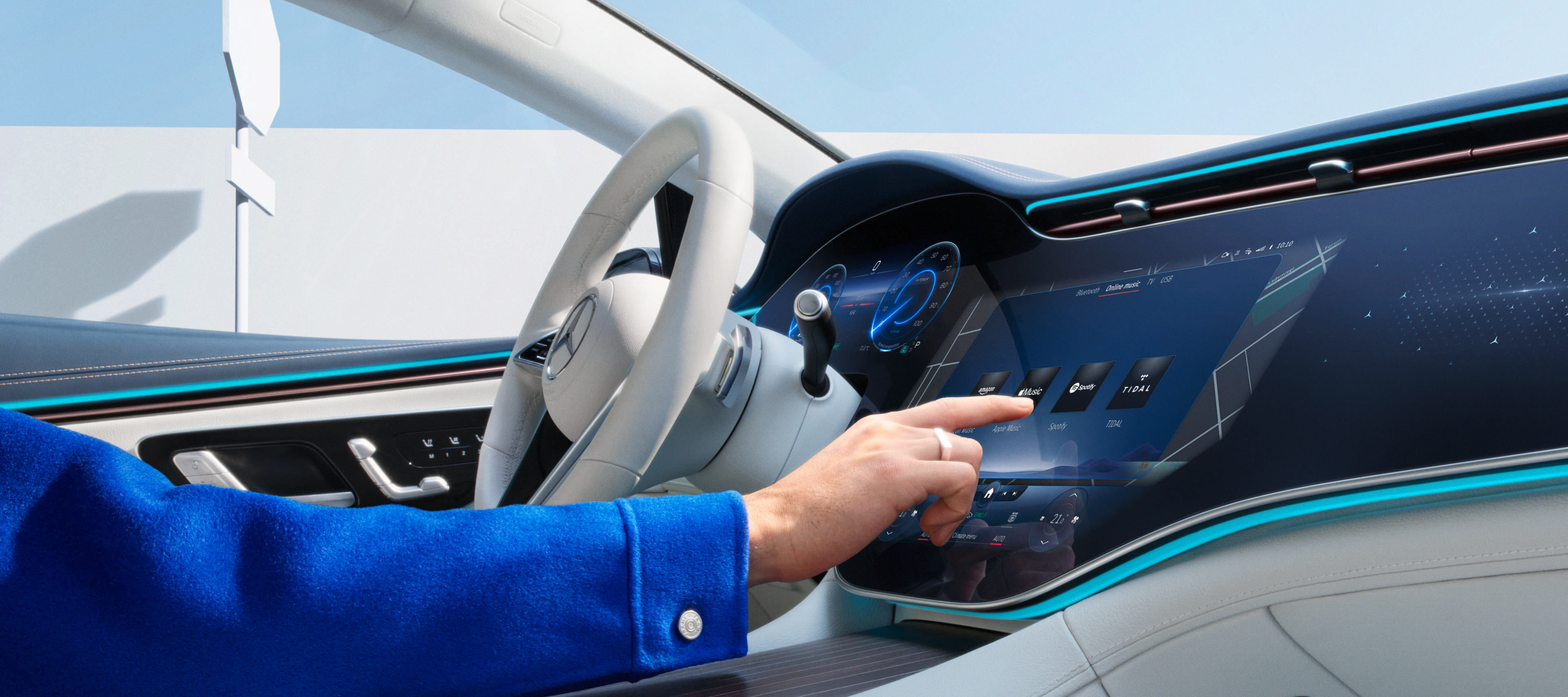
Talk to your Mercedes-Benz and get to know your vehicle as you've never experienced it before. The MBUX voice assistant listens to what you say. Without having to learn commands beforehand. This Digital Extra is already installed in your Mercedes-Benz before you start the engine for the first time. All you need to do is activate the MBUX voice assistant in your vehicle or through your service management. Your vehicle reads text messages out loud, checks the weather at your destination, finds the fastest route or the perfect radio station - "Hey Mercedes" is all it takes.
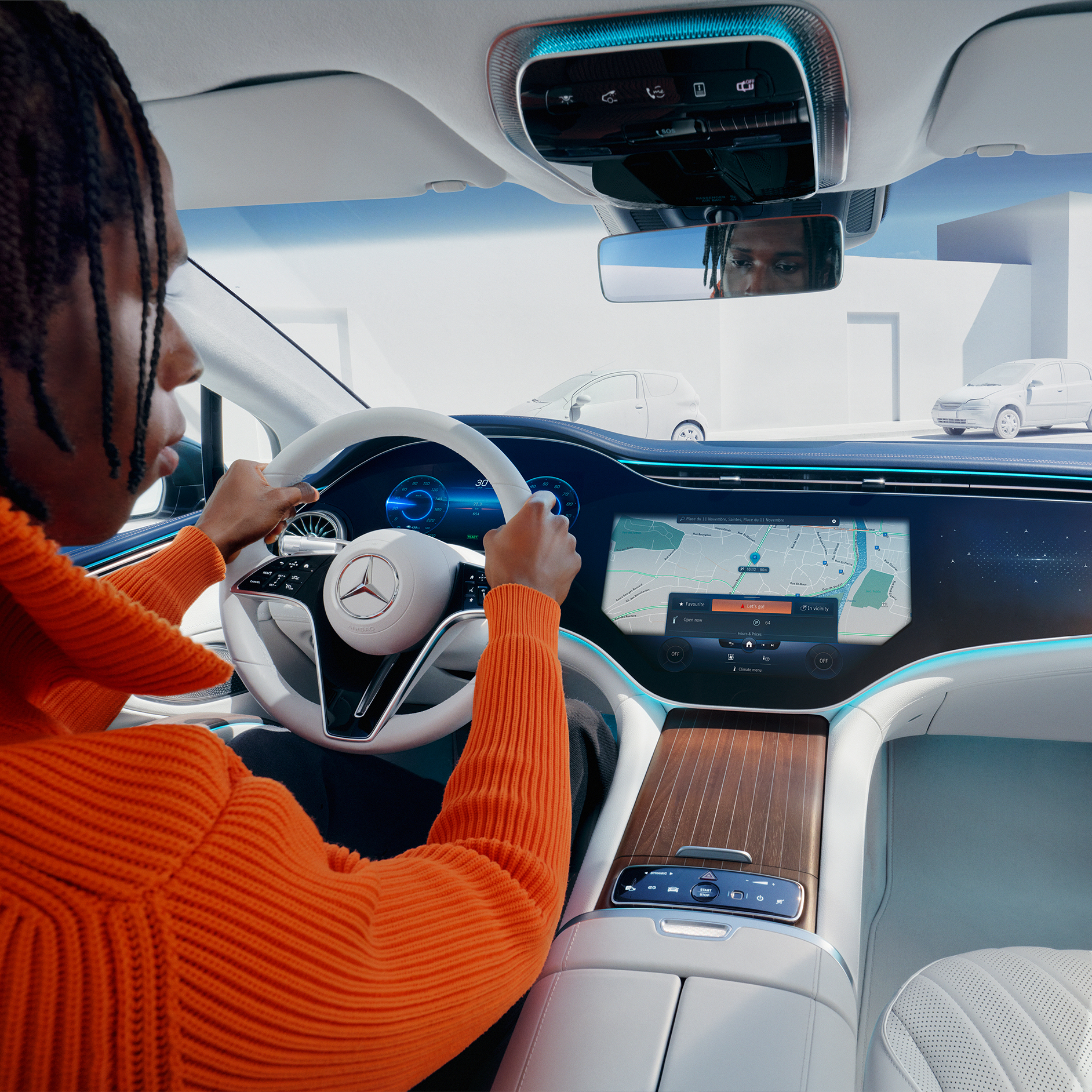
Customers can now extend complimentary Digital Extras beyond their expiration by paying a renewal fee via the Mercedes-Benz Store. In addition to 12- and 36-month fixed options, Digital Extras are now available as flexible, cancel-anytime monthly subscriptions. Enjoy a complimentary trial period of one month with this subscription option (one per service, customer, and vehicle).
Enjoy greater flexibility to renew and cancel anytime, lower upfront costs with monthly payments and the ability to trial new Digital Extra products.
Login to the Mercedes-Benz Store to view our range of Subscription product offerings tailored to your vehicle.
Digital Extras Packages
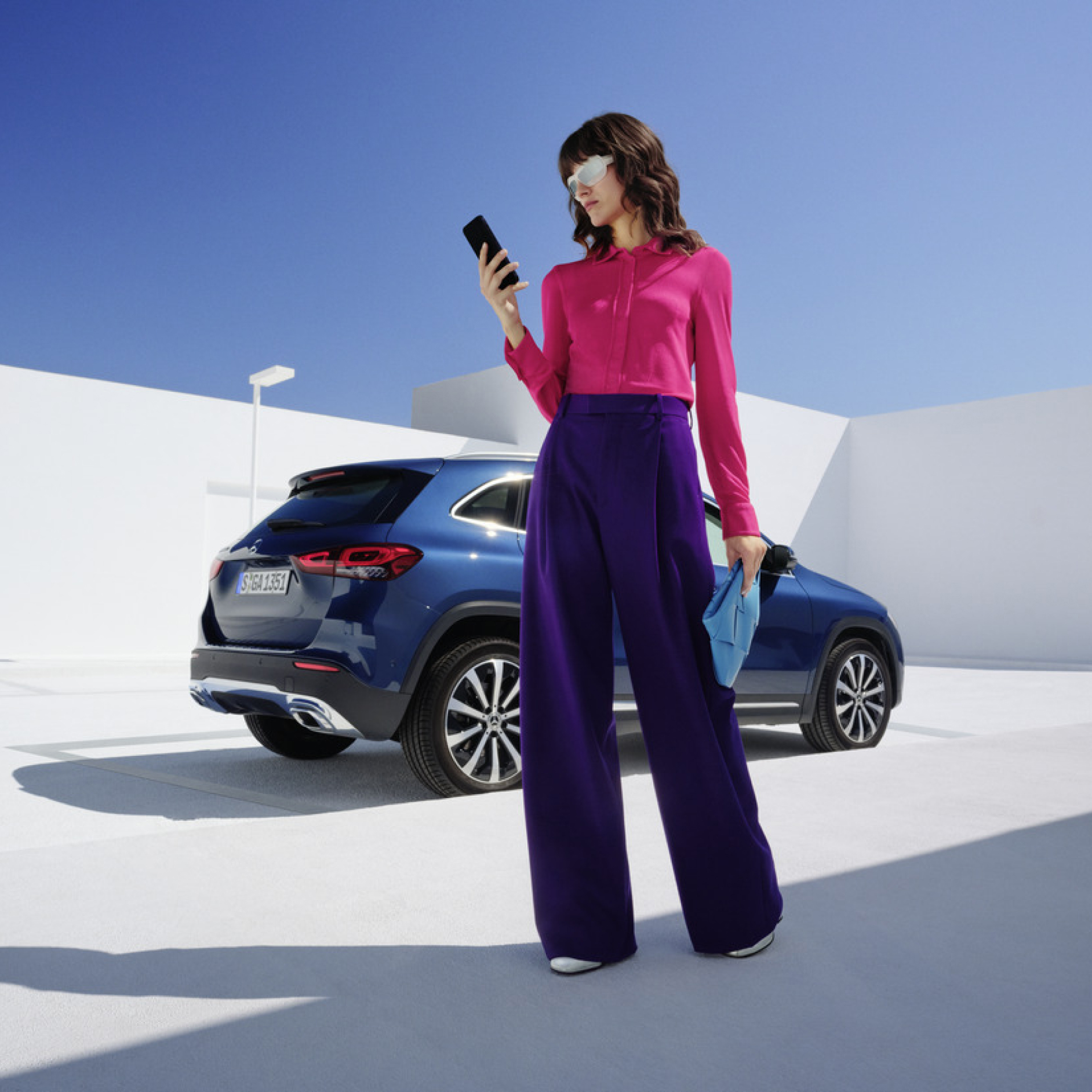
Get the upgrade for your Mercedes-Benz with our Digital Extras, and use your smartphone to remotely operate, customise and digitally add to your vehicle. There are Digital Extras such as Remote, Navigation, Guard 360 Package included to easily and conveniently extend in the Mercedes-Benz Store. There are Digital Extras already included from the time of activation for a complimentary term of up to 36 months. The exact availability depends on your vehicle, the special equipment you have chosen, the year of manufacture and the country in which you live. After the initial term has expired, you can easily and conveniently renew the desired Digital Extras in the Mercedes-Benz Store or via the In-Car Store in your vehicle.
Product changes may have been made since the production of this content.
Additional Digital Extras
With our additional Digital Extras, you have the option of adapting your Mercedes-Benz to your wishes and needs at a later point in time. Simply choose the Digital Extra that suits you and your lifestyle, and experience your vehicle in a whole new way. Time and time again.
Current Offer
Capture each moment in real time, on and off the road with Dashcam by Digital Extras. The dashcam films what's happening on the road in front of your vehicle and saves it - while also recording the time and speed. This can help you in documenting the sequence of events in an accident and provide you with supporting evidence if necessary. You can also store landscapes and routes worth seeing and create you own automotive travel diary. Login to the Mercedes-Benz Store to view eligibility and conditions of use.
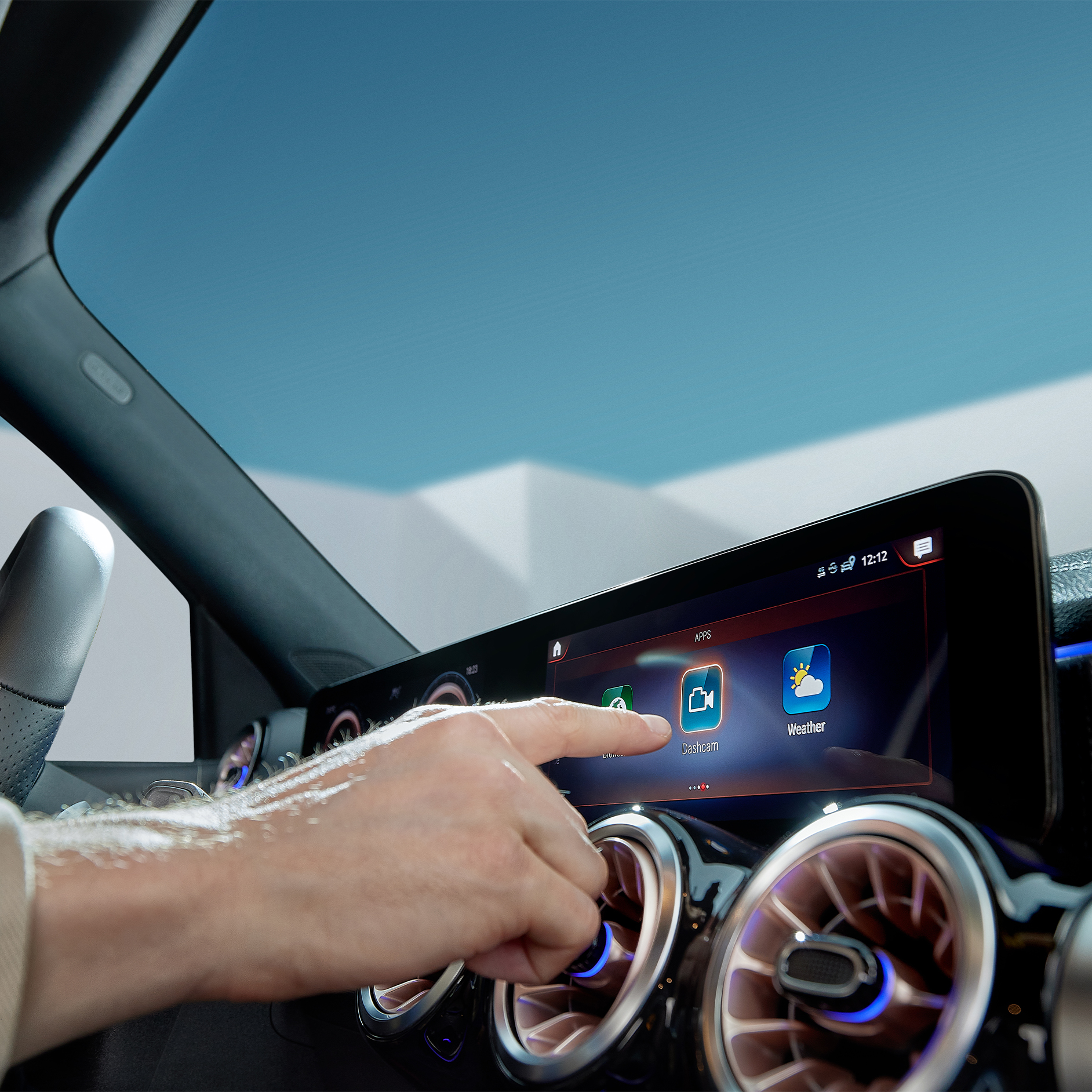
Product changes may have been made since the production of this content.
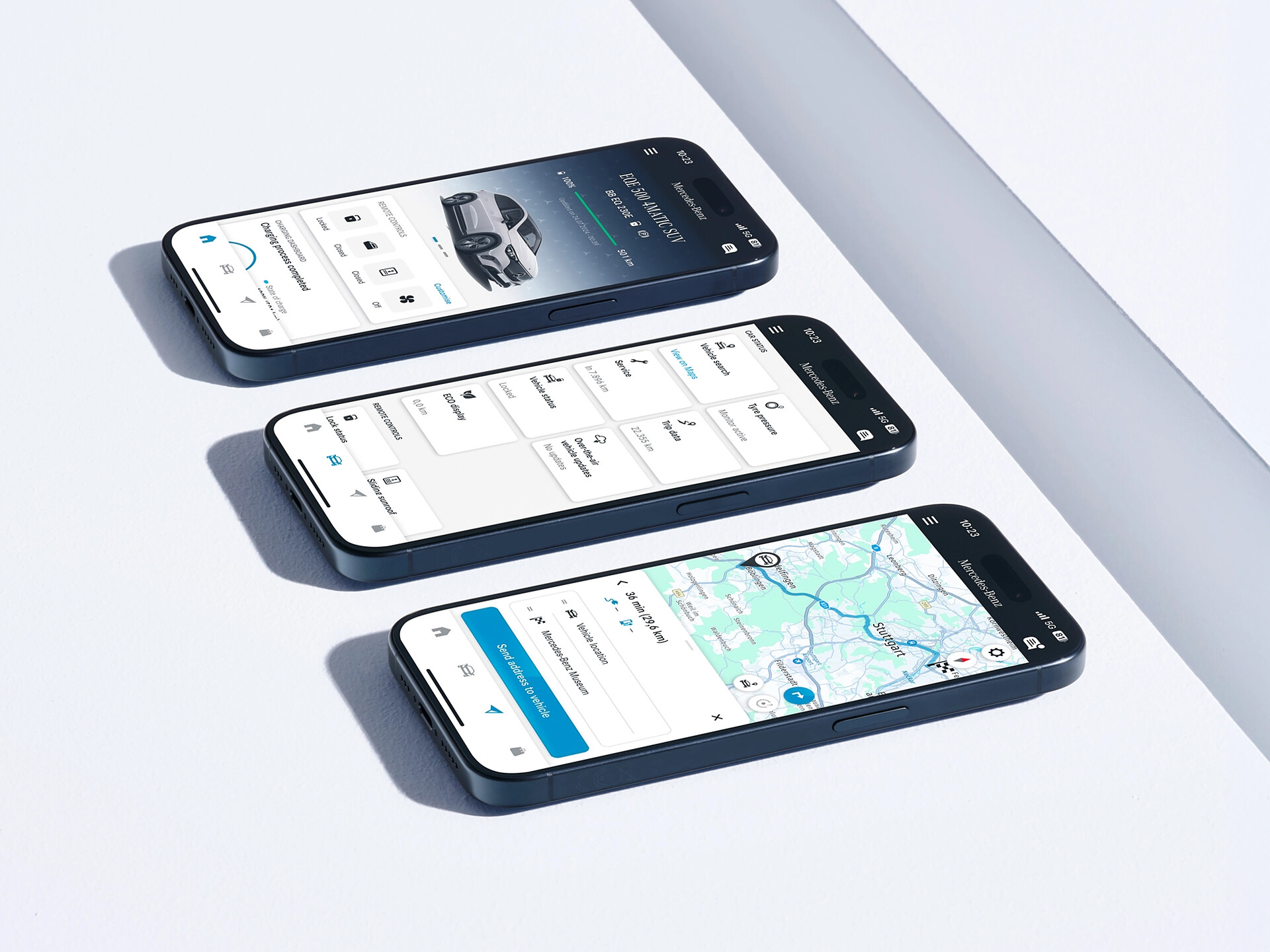
Log in to the Mercedes-Benz App with your personal Mercedes me ID and use all advantages of our Digital Extras. You can also purchase additional Digital Extras or renew by clicking the store tab in the App. The best connection to your Mercedes-Benz: The Mercedes-Benz App contains everything you need to know about your Digital Extras. The Mercedes-Benz Store App has now been integrated into the Mercedes-Benz App to make it even easier to use and bundle the applications.
Use Fuel & Pay to pay for your fuel conveniently and digitally – without having to go to the gas station or pay by card at the machine. Activate this innovative service, enter a payment method and simply use the service directly from your Mercedes-Benz via the MBUX infotainment system or the Mercedes-Benz App. Choose your gas pump, payment method and confirm payment. Now just press the fuel nozzle, refuel as usual and you're done.
FAQ
Would you like to know more about Digital Extras? The most important questions and answers about registration, payment and use are available here.
To use Mercedes me Connect, you first need a Mercedes me ID. To register for Mercedes me Connect, please follow these steps:
After creating a Mercedes-Benz account, make sure you pair the account with your Mercedes-Benz in order to activate Digital Extras and use them.
You can also activate Digital Extras in the Mercedes-Benz App. In one click, select Activate Digital Extras under 'My garage, Manage Digital Extras.
Certain Digital Extras are complimentary for up to 3 years, depending on your vehicle's capabilities. Additional Digital Extras can be purchased via the Mercedes-Benz Store.
The following services are included free of charge:
• Maintenance Management
• Accident Recovery and Breakdown Management
• Telediagnostics
• Remote Vehicle Diagnostics
You can purchase various Digital Extras in the Mercedes-Benz web store, app or In-Car Store.
To purchase a Digital Extra in the Mercedes-Benz App, please follow these steps:
1. Download the Mercedes-Benz App.
2. Open the app on your smartphone.
3. Tap on the store tab in bottom right corner in the Mercedes-Benz App.
4. Select a product from the list and tap "Add to basket".
5. Tap on "Go to basket" to proceed to the checkout.
6. Tap on "Order now" and select a means of payment.
7. To complete your order, tap on "Buy now".
To discover and purchase all available services, please visit the Mercedes-Benz Store online or download the Mercedes-Benz App and log in with your Mercedes me ID.
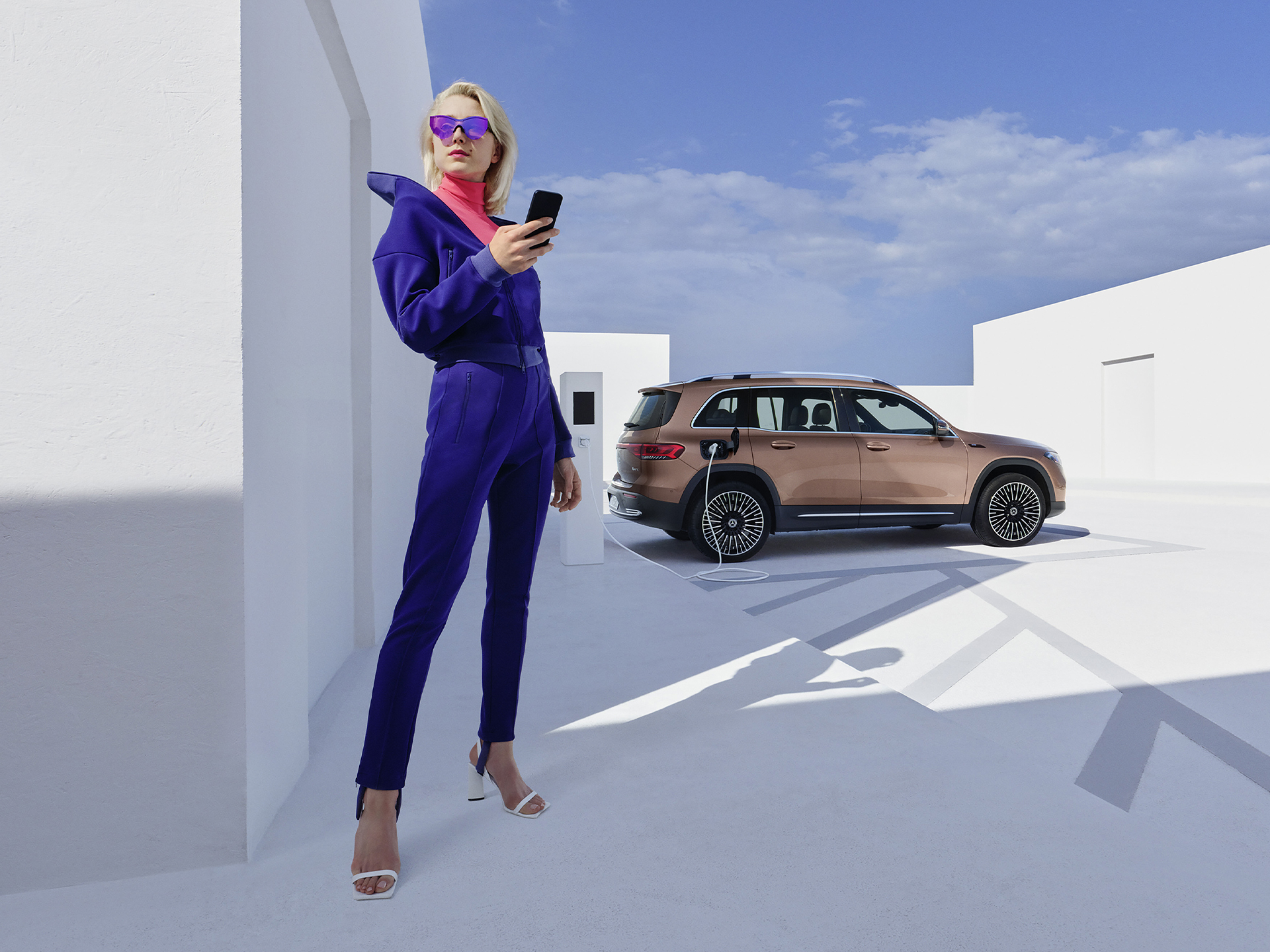
You can use the Mercedes-Benz App to set up your Mercedes-Benz electric vehicle before you set off. We explain below how to set the desired state of charge, specify a departure time and initiate pre-entry climate control.
To set the maximum state of charge:
1. Open the Mercedes-Benz App.
2. Tap on "Charging options".
3. Tap on "Maximum state of charge", select "100%" and tap on "Apply". Your Mercedes is now configured for the highest possible state of charge.
To specify the departure time:
1. Open the Mercedes-Benz App.
2. Tap on "Charging options" and then on "Departure time".
3. Select "One time" for a single trip or "Weekly profile" for a recurring trip.
4. Choose your departure time. If you have specified "Weekly profile", also select the desired days of the week.
5. Tap "Save" in the top right corner of the screen to save your new departure time.
To set up pre-entry climate control:
1. Open the Mercedes-Benz App.
2. Tap on "Charging options" and then on "Pre-entry climate control".
3. Select "Temperature".
4. Set a temperature for the driver's seat or the passenger seat. Optionally, you can also select "Entire vehicle".
5. Tap "Save" to save your pre-entry climate control settings. You have then set up pre-entry climate control for your vehicle.
To use MB.CHARGE Public, you must first activate the service in the Mercedes-Benz App and then complete your MB.CHARGE Public charging contract with our selected third party.
To activate MB.CHARGE Public:
1. Open the Mercedes-Benz App.
2. Tap the three-bar menu icon in the upper left corner of the screen to expand the side menu.
3. Tap on "Tap on your vehicle".
4. Select "Manage Digital Extras".
5. Scroll to "Charging".
6. Tap the “MB.CHARGE Public” button and follow the prompts to activate the service.
To register for a MB.CHARGE Public charging contract:
1. Tap on "MB.CHARGE Public charging contract".
2. You will then be redirected to the page of the third-party provider.
3. Complete your personal information.
4. Select a payment method and complete the payment process.
5. You will receive your MB.CHARGE Public charge card by post shortly afterwards (if you have not already received it at Vehicle Handover). You can use this charge card, the in-vehicle MBUX system or the Mercedes-Benz App to activate charging stations available for MB.CHARGE Public for the charging process. To use the charge card, you must activate it in your Mercedes-Benz Account.
Please follow these steps to lock and unlock the vehicle doors using the Mercedes-Benz App:
1. Open the Mercedes-Benz App.
2. Select "Lock status".
3. Check the lock status at the top of the screen to see if the doors are locked or open.
4. Tap the button to lock or unlock the doors.
5. Enter your four-digit PIN to confirm or use Face ID.
Activate the "Stolen Vehicle Help" service in the Mercedes-Benz App to be able to find your vehicle in the event of theft or loss. After activation, this service can help to speed up the investigation by police.
The service can be purchased as part of the GUARD 360˚ Package in the Mercedes-Benz Store. Please be sure to activate Stolen Vehicle Help as soon as you receive your vehicle. The benefit of this service can only be claimed 30 days after purchase (waiting period). Vehicles that are already untraceable prior to the purchase of this service or during the waiting period are not covered by the benefit of this service. Please also note your individual insurance conditions, which apply independently of this service.
To activate Stolen Vehicle Help:
1. Open the Mercedes-Benz App.
2. Go to "Settings".
3. Tap on "Manage services".
4. Scroll down to "Stolen Vehicle Help".
5. Tap the button to activate the service.
To use Stolen Vehicle Help:
1. Open the Mercedes-Benz App.
2. Tap on "More" and select "Stolen Vehicle Help".
3. Confirm your details.
4. Report the theft to the police.
5. Contact the security centre of our authorised service partner.
Once you have successfully launched Stolen Vehicle Help, our service partner will transmit the location data to the police. From this point on, the real-time location of your vehicle is shared with the police. You have no insight into the location of your vehicle during the search process.
Please follow these steps to pay digitally when refuelling:
1. Open the Mercedes-Benz App.
2. Tap on "Your location".
3. Find the nearest filling station.
4. Tap on "Start digital payment for refuelling".
5. Select your pump and the desired amount.
6. Tap on "Confirm pre-payment".
7. Once you have finished refuelling, tap on "Complete payment".
8. Check the payment details and tap "Done" to complete the payment.
With Send2Car, you can send an address directly to your vehicle using the Mercedes-Benz App. Once you have confirmed the destination, your navigation system will take you there.
Please follow these steps to send a destination to your vehicle:
1. Open the Mercedes-Benz App.
2. Tap on "Your location".
3. Select your destination by searching for a city or address.
4. Tap on "Route".
5. Tap on "Send address to vehicle".
Ensure you have unpaired your vehicle from your Mercedes-Benz Account. If you have a monthly subscription, ensure you have cancelled the ongoing subscription before unpairing and deleting your account; Your card will still be charged if Subscription is not cancelled.
At vehicle handover, your preferred retailer will be able to pair and activate all your Digital Extras. Your complimentary period will start as soon as the retailer has activated these services. (Preferred method.) Alternatively, if this step was missed you are also able to pair and activate on your own in the Mercedes-Benz App. Your complimentary period will start from the date you have activated. You are then able to track the complimentary period in your account in the personal profile on the local Mercedes-Benz website, app or In-Car store.
You can find out which Digital Extras are available for which Mercedes-Benz vehicles in this overview.
;Resize=(600,450))
;Resize=(600,450))
;Resize=(600,450))
;Resize=(600,450))
;Resize=(600,450))
;Resize=(600,450))
;Resize=(600,450))
;Resize=(600,450))