Digital Extras for your Mercedes-Benz.
Stay connected and secured with Dashcam.
Stay connected and secured with Dashcam.
;Resize=(800,800) "Digital Extras | Mercedes-Benz")
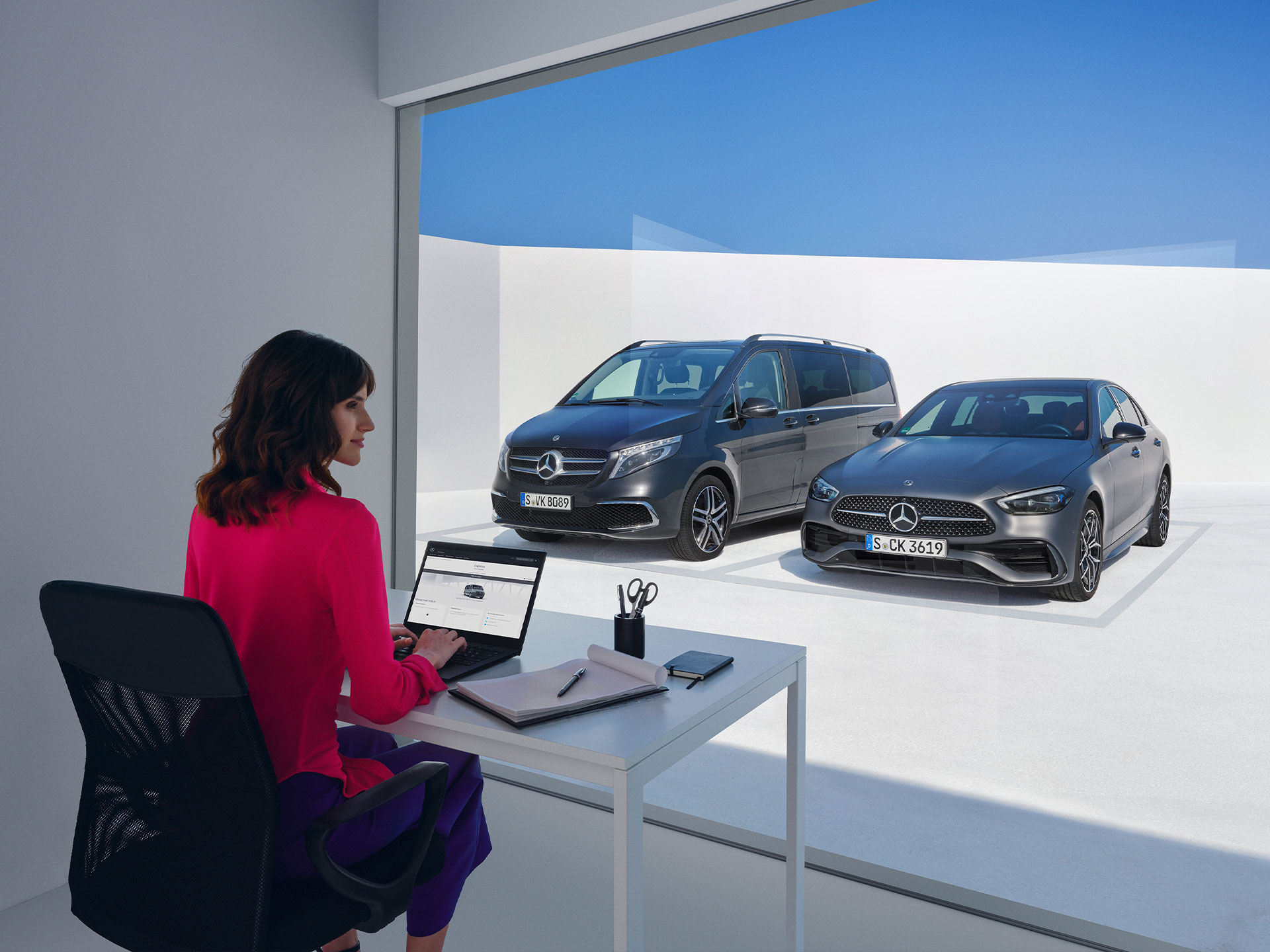
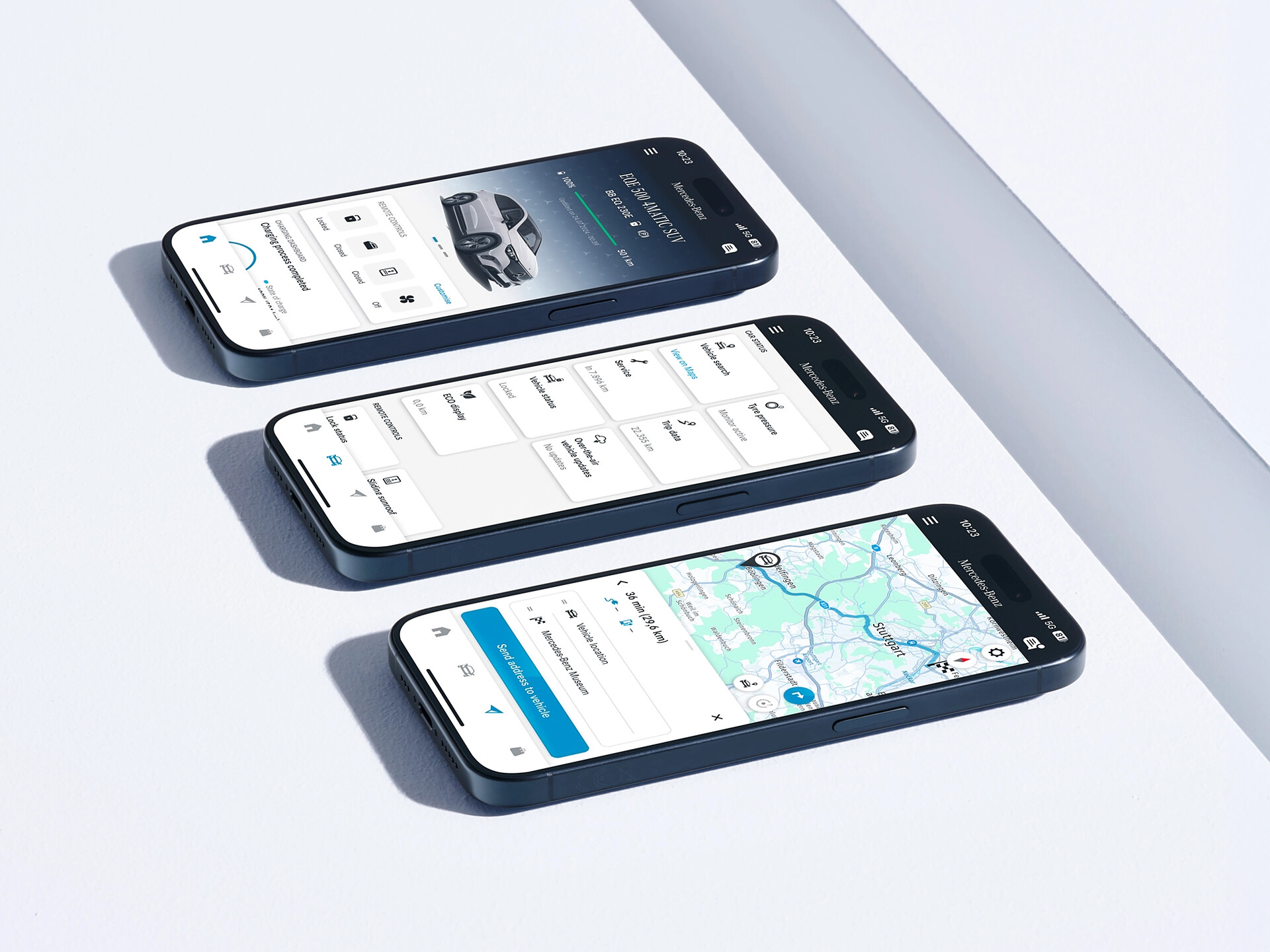
All Digital Extras available for your vehicle can be found exclusively in the Mercedes-Benz Store.
;Resize=(600,450) "Digital Extras | Mercedes-Benz")
;Resize=(828,829) "Digital Extras | Mercedes-Benz")
Stay connected and secured with Dashcam.
Information provided and images displayed on this page may include overseas models and features not available in Australia. Vehicle specifications are subject to change and availability. Product changes may have been made since production of this content and visual appearance may be different in person. Please confirm specific information on vehicles and features available prior to purchase.
Digital Extras
Current Offer
Designed around the way you drive, Mercedes-Benz Digital Extras offer curated packages that elevate the ownership experience through greater convenience, reassurance and connected services. With additional extras available on demand, your Mercedes-Benz can be personalised to reflect what matters to you most.
Subscribe or renew today and save 10% on a range of Digital Extras from 30 September to 25 October 2026.
;Resize=(600,450) "Current Offer")
Mercedes me ID
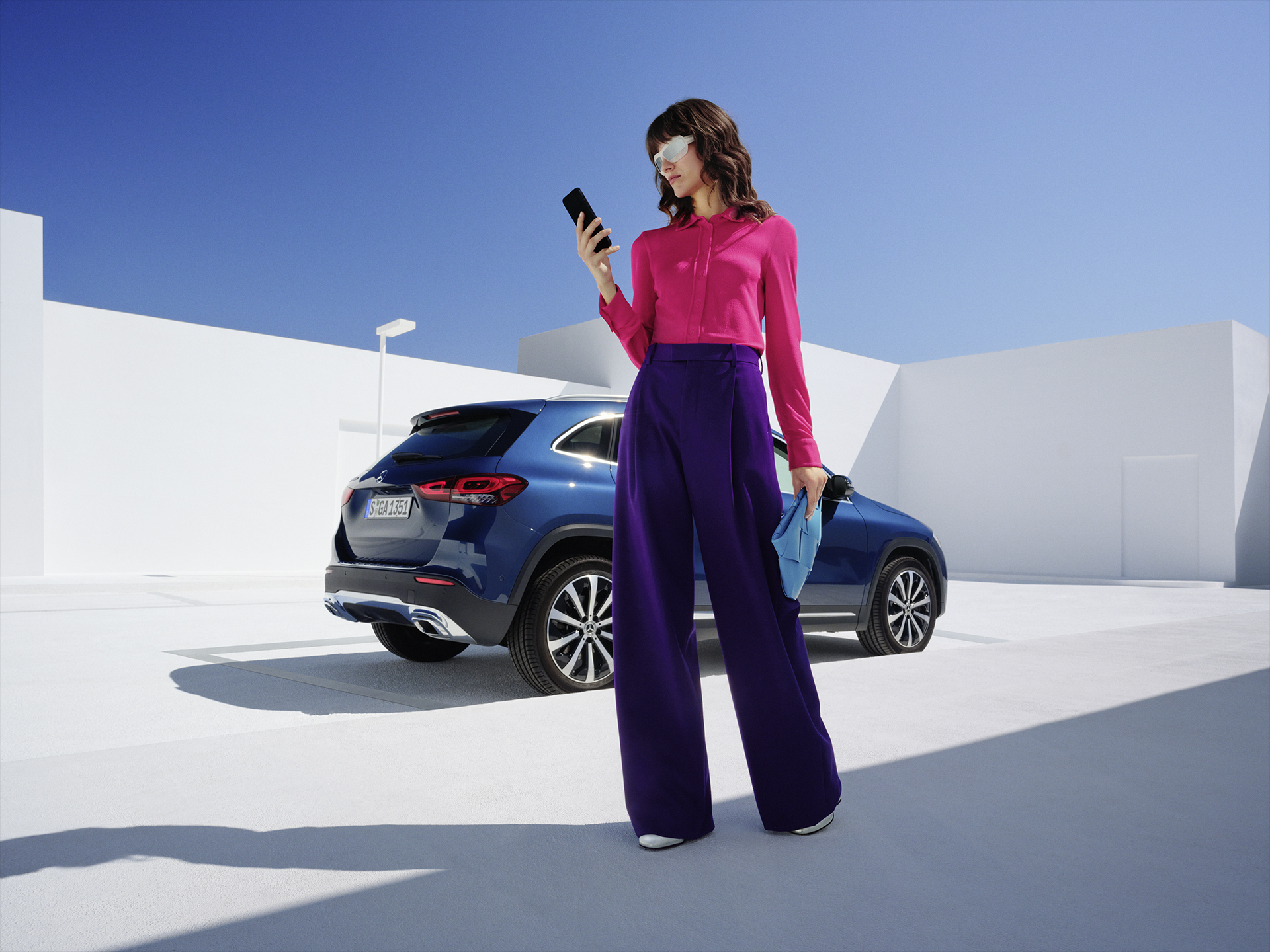
Log in or register with your Mercedes me ID to experience our Digital Extras. Your personal Mercedes me ID is the key to the digital world of Mercedes-Benz and offers even more benefits beyond:
- Manage your vehicle and experience the world of Digital Services
- Receive personalized recommendations
- Edit your personal data and preferences
- Manage appointments at our Mercedes-Benz dealers
Standard Digital Extras
"Hey Mercedes"
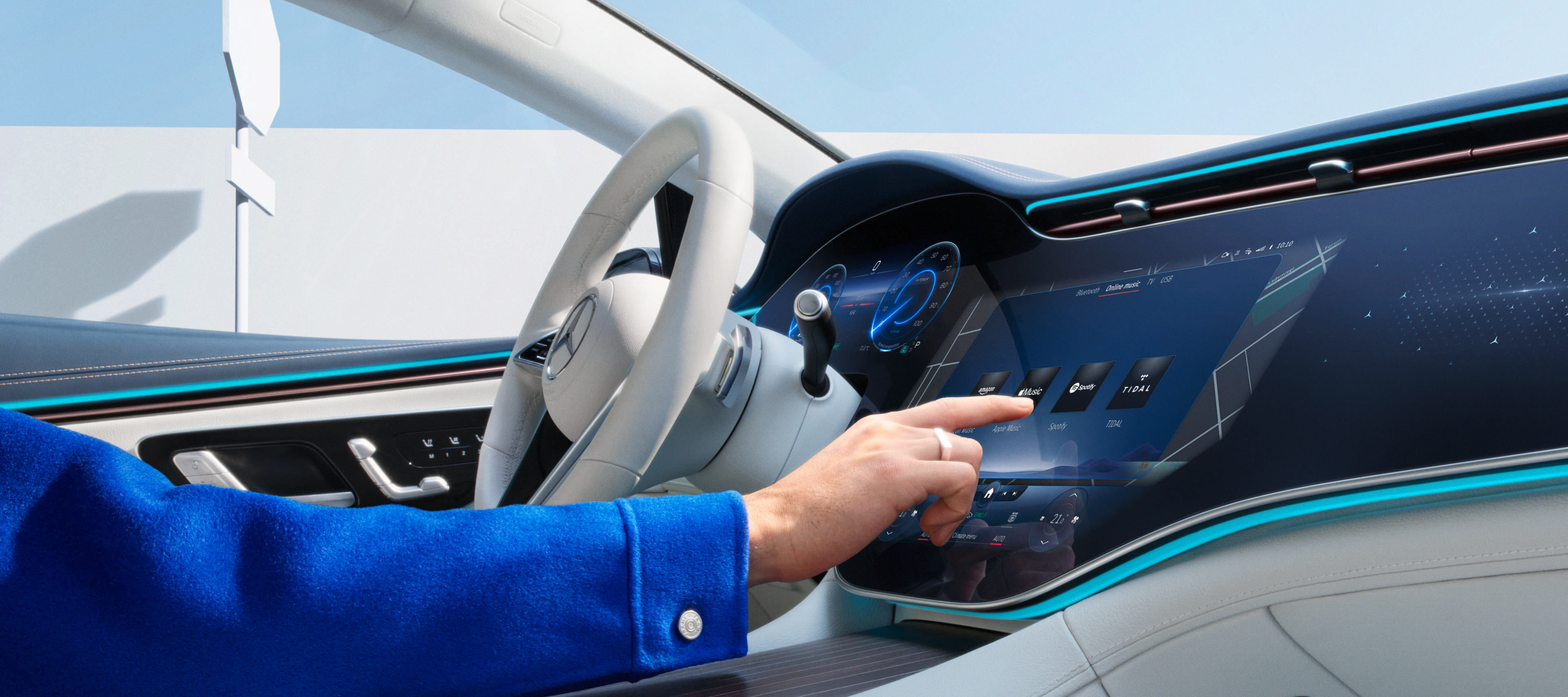
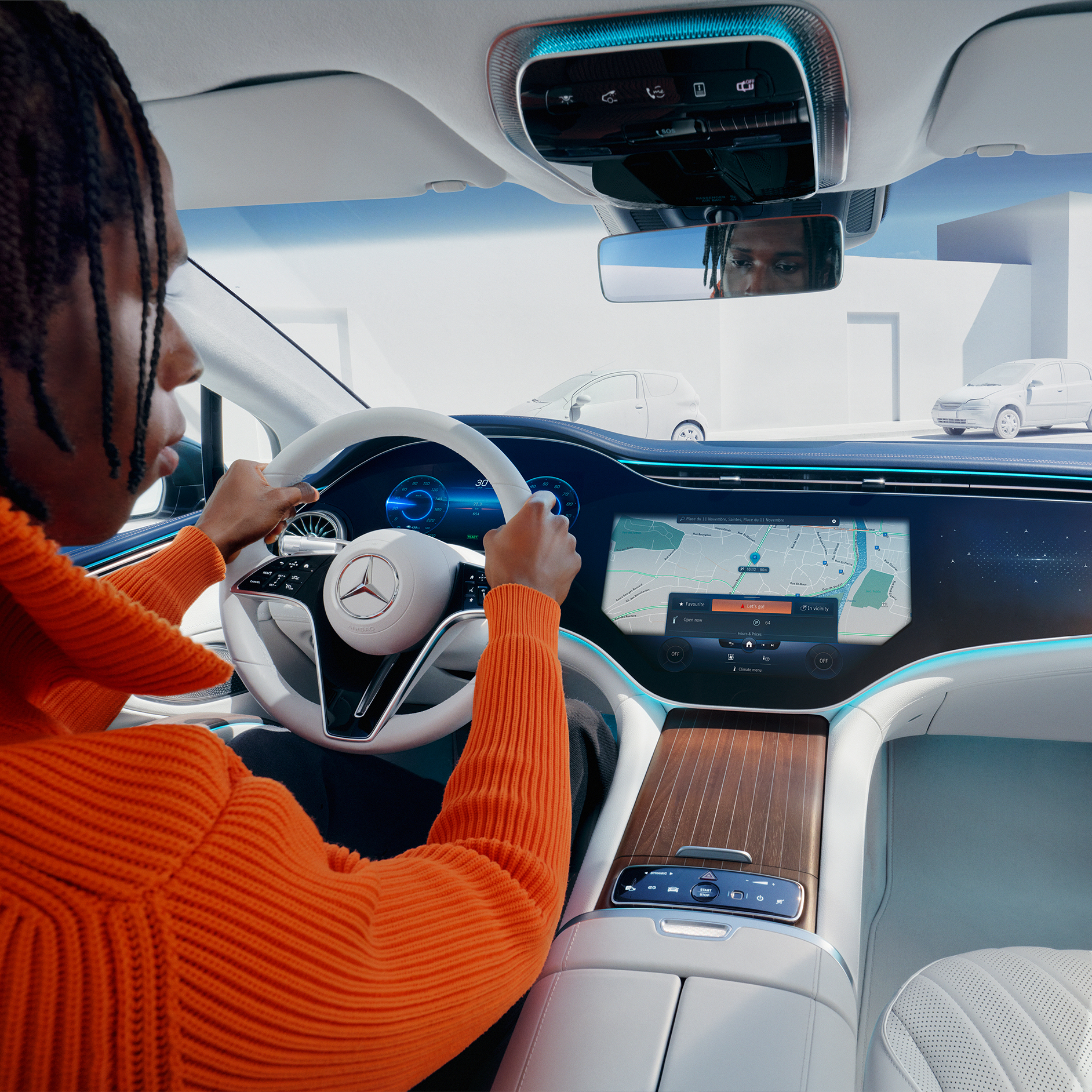
Talk to your Mercedes-Benz and get to know your vehicle as you've never experienced it before. The MBUX voice assistant listens to what you say. Without having to learn commands beforehand. This Digital Extra is already installed in your Mercedes-Benz before you start the engine for the first time. All you need to do is activate the MBUX voice assistant in your vehicle or through your service management. Your vehicle reads text messages out loud, checks the weather at your destination, finds the fastest route or the perfect radio station - "Hey Mercedes" is all it takes.
;Resize=(600,450) "MBUX Voice Assistant | Digital Extras | Mercedes-Benz")
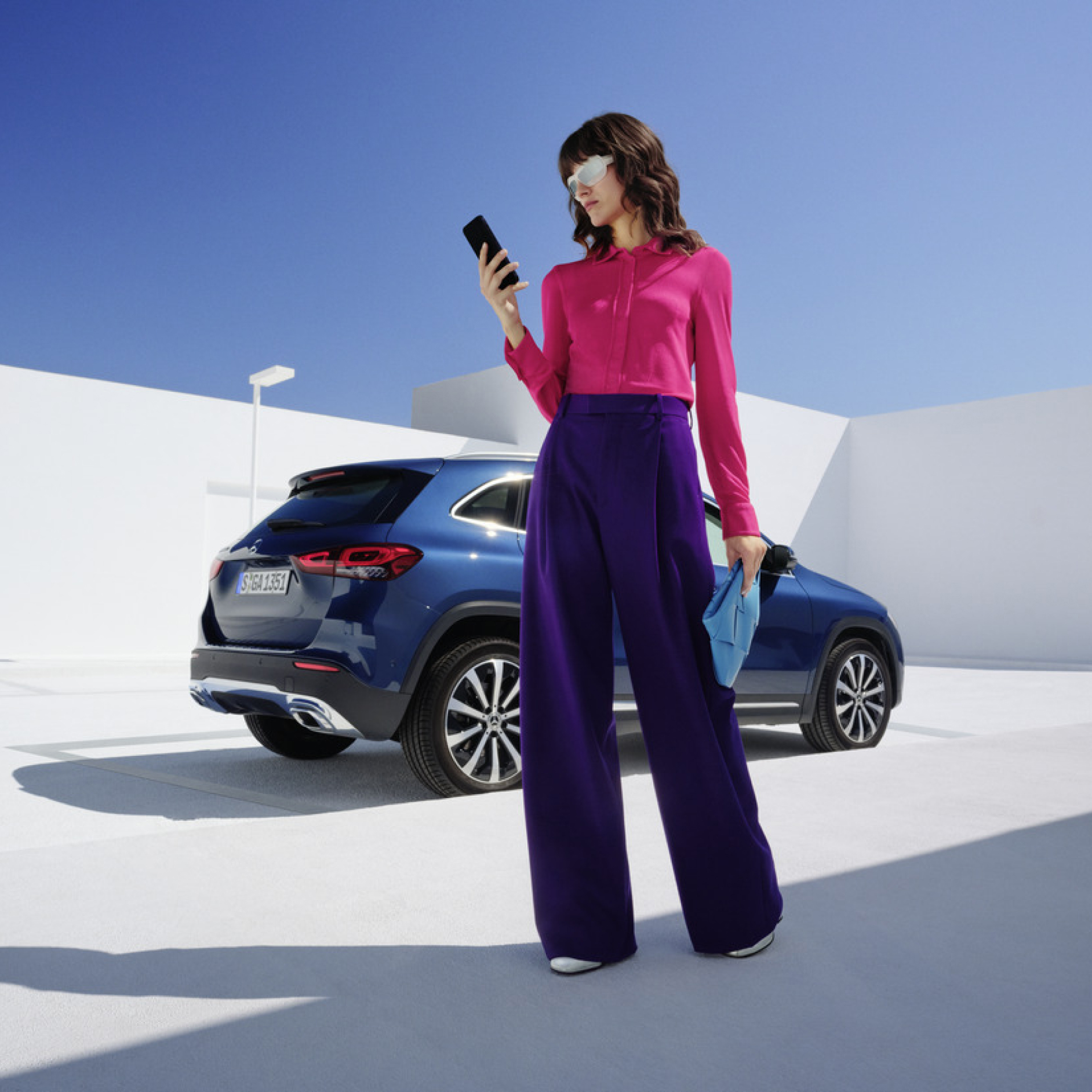
Customers can now extend complimentary Digital Extras beyond their expiration by paying a renewal fee via the Mercedes-Benz Store. In addition to 12- and 36-month fixed options, Digital Extras are now available as flexible, cancel-anytime monthly subscriptions. Enjoy a complimentary trial period of one month with this subscription option (one per service, customer, and vehicle).
Enjoy greater flexibility to renew and cancel anytime, lower upfront costs with monthly payments and the ability to trial new Digital Extra products.
Login to the Mercedes-Benz Store to view our range of Subscription product offerings tailored to your vehicle.
;Resize=(600,450) "Monthly subscription option for your Digital Extras")
Digital Extras Packages
Digital Extras by Topic Areas
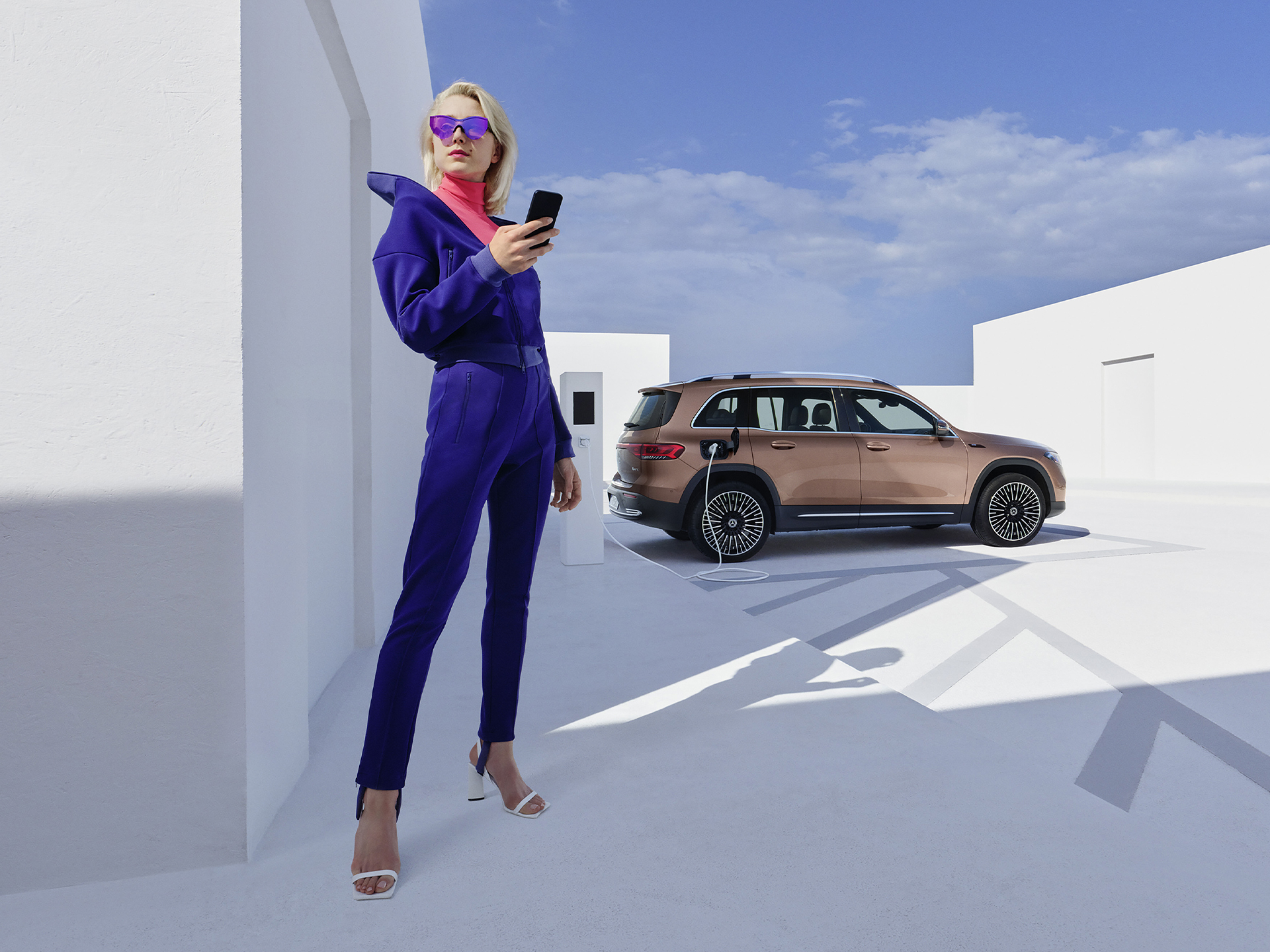
Mercedes-Benz Apps
;Resize=(600,450) "Mercedes-Benz Apps | Digital Extras | Mercedes-Benz")
Log in or register with your Mercedes me ID to experience our Digital Extras. Your personal Mercedes me ID is the key to the digital world of Mercedes-Benz and offers even more benefits beyond:
;Resize=(600,450) "Mercedes me ID | Digital Extras | Mercedes-Benz")
Additional Digital Extras
;Resize=(600,450))
Standard Equipment Digital Extras
Current Offer
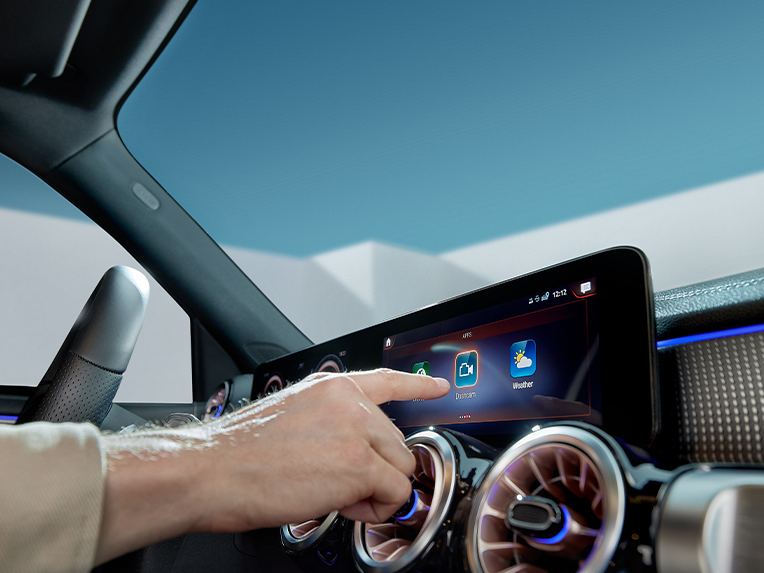
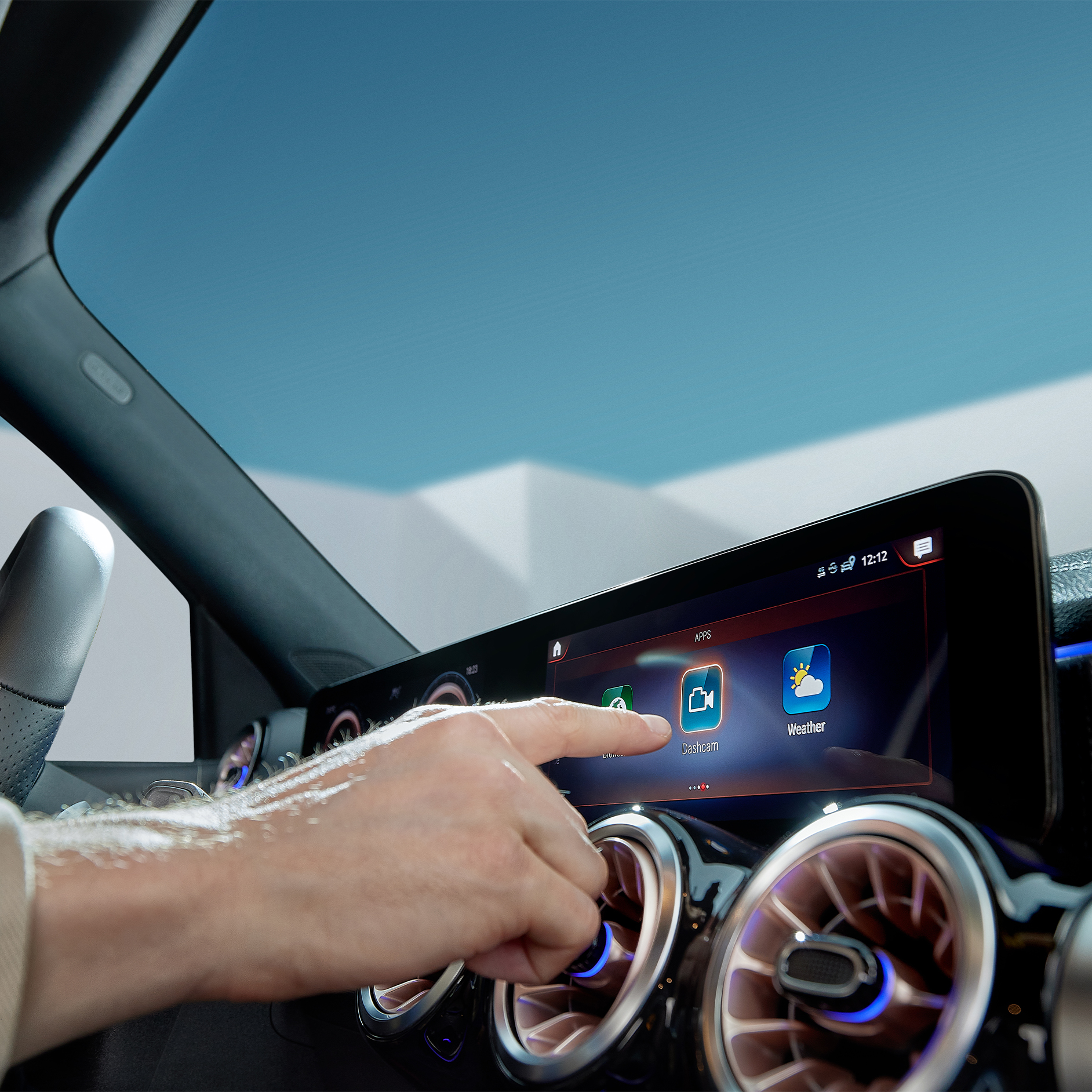
Capture each moment in real time, on and off the road with Dashcam by Digital Extras. The dashcam films what's happening on the road in front of your vehicle and saves it - while also recording the time and speed. This can help you in documenting the sequence of events in an accident and provide you with supporting evidence if necessary. You can also store landscapes and routes worth seeing and create you own automotive travel diary. Login to the Mercedes-Benz Store to view eligibility and conditions of use.
;Resize=(600,800) "Discover Dashcam.")
;Resize=(600,450) "Mercedes-Benz Apps | Digital Extras | Mercedes-Benz")
FAQ
To use Mercedes-Benz Digital Extras, you first need a Mercedes me ID. To register for Mercedes-Benz Digital Extras, please follow these steps:
1. Download the Mercedes-Benz App from the App Store or Google Play.
2. Enter your telephone number or email address and tap "Next".
3. Complete your personal information.
4. Read the Terms of Use and tick the box to accept them.
5. Tap on "Register".
6. Enter the verification code sent to your smartphone or email address to complete the registration process.
Some Digital Extras come with your vehicle, you don't have to buy them. To benefit from additional services however, a purchase is necessary here.
These are some of our most popular services:
• Remote Retrieval of Vehicle Status
• Vehicle Tracker
• Parked Vehicle Locator
• Remote Engine Start
• Live Traffic Information
• Send2Car
The following services are included free of charge:
• Maintenance Management
• Accident Recovery and Breakdown Management
• Telediagnosis
• Remote Vehicle Diagnostics
• Intelligent Status & Service
To purchase a Digital Extra, please follow these steps:
1. Download the Mercedes-Benz App.
2. Open the app on your smartphone.
3. Select a product from the list and tap "Add to basket".
4. Tap on "Go to basket" to proceed to the checkout.
5. Tap on "Order now" and select a means of payment.
6. To complete your order, tap on "Buy now".
To discover and purchase all available services, please visit the Mercedes-Benz Store online or download the Mercedes-Benz Store App and log in with your Mercedes me ID.
iOS
Android
There are two ways to renew services or purchase new services:
Please follow these steps to renew or purchase services that are expiring:
1. Open Mercedes-Benz Store.
2. Tap "Renew" in the menu.
3. Select your desired term.
4. Tap on "Order now".
5. Tap on "Buy now" to complete your order.
iOS
Android