Digital Extras for your Mercedes-Benz.

Stay connected and secured with Dashcam.
Go to Mercedes-Benz Store
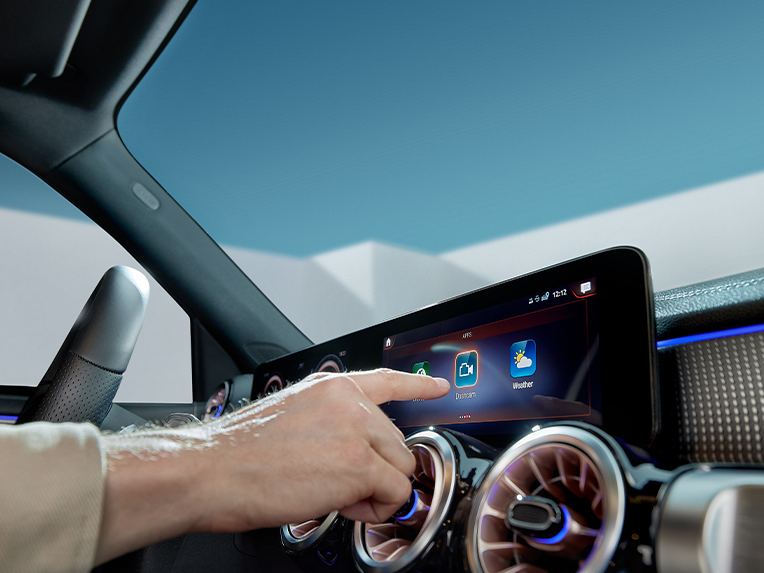
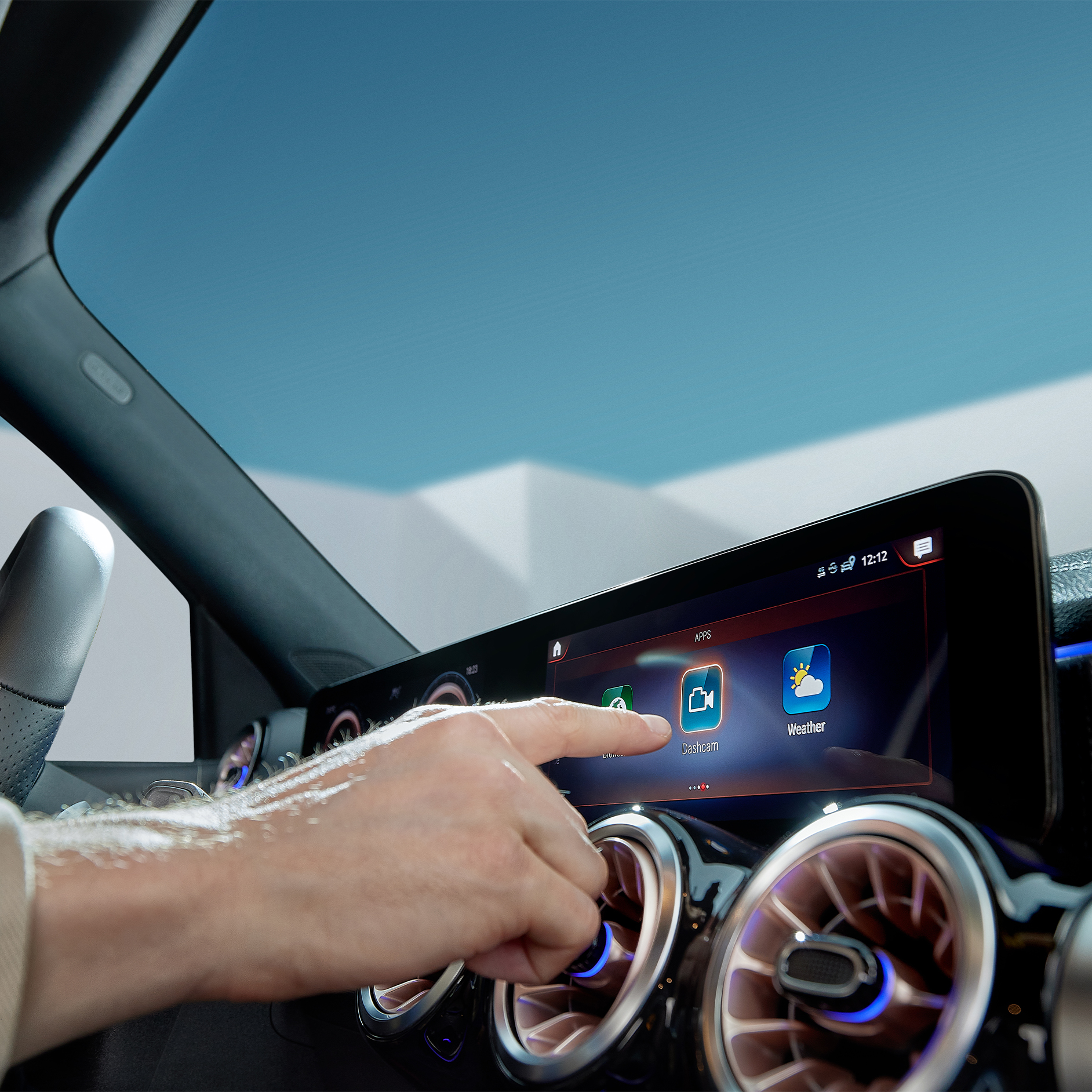
Digital Extras being selected on the screen of the MBUX multimedia system in a Mercedes-Benz.

Digital Extras for your Mercedes-Benz.

Stay connected and secured with Dashcam.

Information provided and images displayed on this page may include overseas models and features not available in Australia. Vehicle specifications are subject to change and availability. Product changes may have been made since production of this content and visual appearance may be different in person. Please confirm specific information on vehicles and features available prior to purchase.

Digital Extras

Your Mercedes-Benz. Our Digital Extras.

Unlock the full potential of your Mercedes-Benz: Your vehicle comes equipped with a variety of Digital Extras – tailored to your model, equipment, year of manufacture and country of purchase. Many of these services are available from the moment you drive off the lot. To continue enjoying them after the initial term, simply renew in the Mercedes-Benz Store. You can also explore and purchase additional Digital Extras at any time. Getting started is easy: register in the Mercedes-Benz Store with your Mercedes me ID and your Vehicle Identification Number (VIN). Access to the Store is only possible with your VIN – ensuring your car is identified correctly and allowing you to see exactly which Digital Extras are available for your vehicle, keeping it perfectly connected to the services that make every journey even more enjoyable.

Standard Digital Extras

Exclusive Standard Digital Extras. Included in your Mercedes-Benz.

Our Standard Digital Extras are already installed in your Mercedes-Benz before you get in for the first time. To use these Standard Digital Extras, all you need to do is create a Mercedes me ID, agree to the Terms of Use, link your vehicle to your Mercedes-Benz Account and download the Mercedes-Benz App on your smartphone. Certain Digital Extras are complimentary for up to three years, subject to vehicle eligibility criteria. You can confirm which Digital Extras are complimentary for up to three years via the personal profile on the local Mercedes-Benz website. To begin using them, at vehicle handover simply set up a Mercedes-Benz Account and accept the terms and conditions, pair your vehicle to a Mercedes-Benz Account and activate your complimentary Digital Extras through the Mercedes-Benz App. Your preferred retailer can assist you with this process at vehicle handover. Alternatively, to activate it yourself, see the steps below.

"Hey Mercedes"

MBUX Voice Assistant

Talk to your Mercedes-Benz and get to know your vehicle as you've never experienced it before. The MBUX voice assistant listens to what you say. Without having to learn commands beforehand. This Digital Extra is already installed in your Mercedes-Benz before you start the engine for the first time. All you need to do is activate the MBUX voice assistant in your vehicle or through your service management. Your vehicle reads text messages out loud, checks the weather at your destination, finds the fastest route or the perfect radio station - "Hey Mercedes" is all it takes.
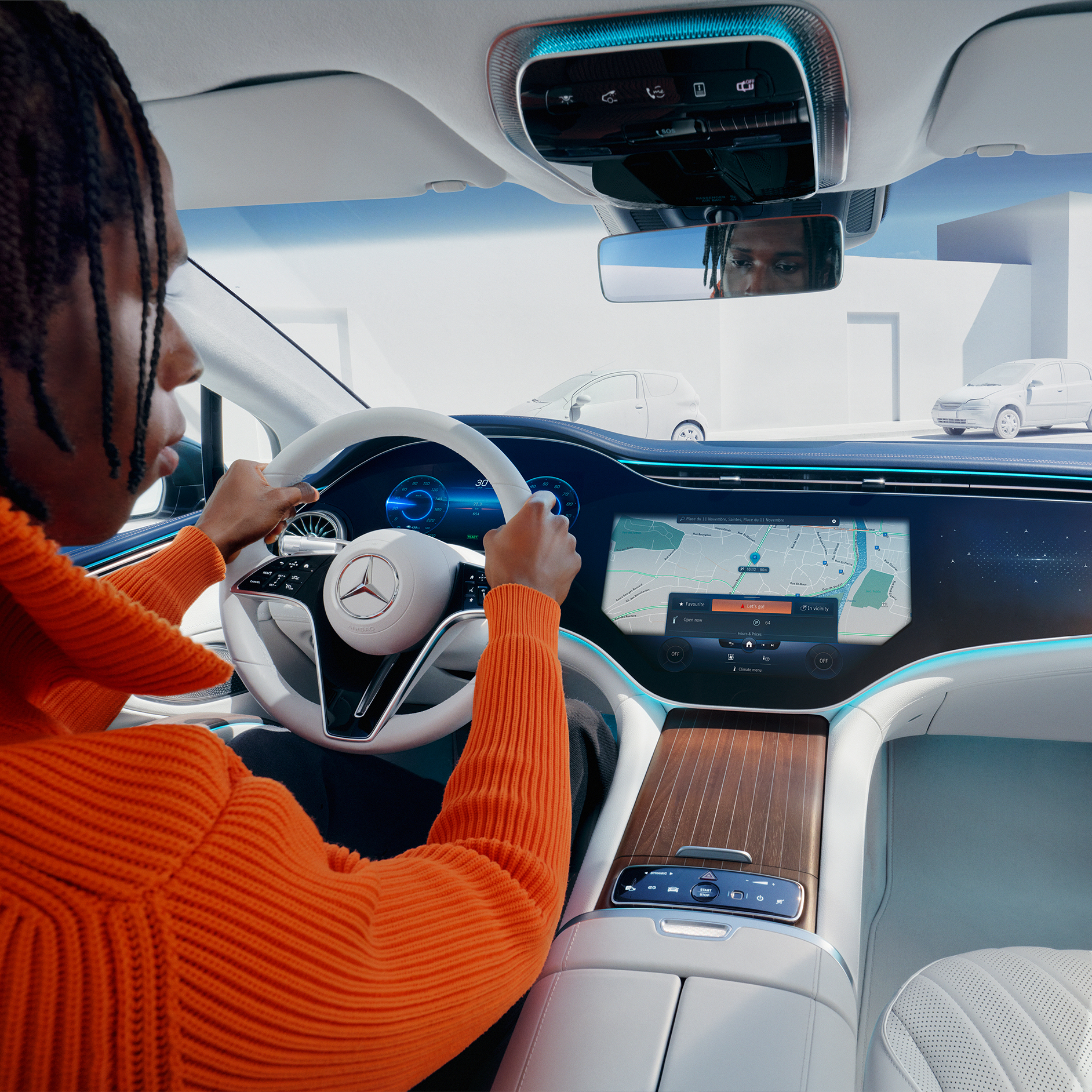
Man using the MBUX Voice Assistant in his vehicle.

Digital Extras by Topic Areas

Digital Extras by Topic Areas.

Below, you will find a selection of the Digital Extras that you can purchase alongside a Mercedes-Benz. These Digital Extras have been organised by topic areas to provide an even clearer overview. The exact availability of the vehicle and special equipment you choose depends on its year of manufacture and the country in which you live.

Mercedes-Benz Apps

Making the most of Digital Extras.

Log in to the Mercedes-Benz App with your personal Mercedes me ID and use all the advantages of our Digital Extras. The best connection to your Mercedes-Benz: The Mercedes-Benz App contains everything you need to know about your Digital Extras.
The best connection to your Mercedes-Benz: The Mercedes-Benz App.

Discover Dashcam.

Capture each moment in real time, on and off the road with Dashcam by Digital Extras. The dashcam films what's happening on the road in front of your vehicle and saves it - while also recording the time and speed. This can help you in documenting the sequence of events in an accident and provide you with supporting evidence if necessary. You can also store landscapes and routes worth seeing and create you own automotive travel diary. Login to the Mercedes-Benz Store to view eligibility and conditions of use.
Current Offer

Discover Dashcam.

Capture each moment in real time, on and off the road with Dashcam by Digital Extras. The dashcam films what's happening on the road in front of your vehicle and saves it - while also recording the time and speed. This can help you in documenting the sequence of events in an accident and provide you with supporting evidence if necessary. You can also store landscapes and routes worth seeing and create you own automotive travel diary. Login to the Mercedes-Benz Store to view eligibility and conditions of use.

Discover Dashcam.
Feature availability varies between vehicles, and are subject to change. Product changes may have been made since the production of this content and visual appearance may be different in person. Please confirm specific information on vehicles and features available prior to purchase.

How to use Digital Extras - this is how it works.

FAQ

Do you still have questions about Digital Extras?

Would you like to know more about Digital Extras? The most important questions and answers about registration, payment and use are available here.


    1. Make sure your vehicle is in an area with network connectivity. This is a necessary requirement for the successful activation and deactivation of your Digital Extras.
    2. Login to the Customer profile (customer login) on Mercedes-Benz website using the user symbol at the top right of the screen.
    3. Click on the user symbol again and select the entry "My Dashboard".
    4. On this page you will see the entry "Manage my digital extras" select this to get to the overview of your Digital Extras.
    5. Here you can either activate all purchased and free of charge Digital Extras with one click by clicking on "Deactivate/activate all subsequent digital extras", or activate the digital extras individually.
    6. Please note that activation of some Digital Extras may require you to provide additional information. If this is the case, you will be automatically informed.
    7. Activation of security-related digital extras, such as remote locking and unlocking, opening windows and sunroof or certain location services, requires verification of your identity. You can currently only carry out this identity check in your Mercedes-Benz App or at your dealership.


Some Digital Extras come with your vehicle, you don't have to buy them. To benefit from additional services however, a purchase is necessary here.

These are some of our most popular services:
 

• Remote Retrieval of Vehicle Status
• Vehicle Tracker
• Parked Vehicle Locator
• Remote Engine Start
• Live Traffic Information
• Send2Car

The following services are included free of charge:
 

• Maintenance Management
• Accident Recovery and Breakdown Management
• Telediagnosis
• Remote Vehicle Diagnostics
• Intelligent Status & Service

To purchase a Digital Extra, please follow these steps:
 

1. Download the Mercedes-Benz App.
2. Open the app on your smartphone.
3. Select a product from the list and tap "Add to basket".
4. Tap on "Go to basket" to proceed to the checkout.
5. Tap on "Order now" and select a means of payment.
6. To complete your order, tap on "Buy now".

To discover and purchase all available services, please visit the Mercedes-Benz Store online or download the Mercedes-Benz Store App and log in with your Mercedes me ID.

iOS
Android


You can use the Mercedes-Benz App to set up your Mercedes-Benz with EQ technology before you set off. We explain below how to set the desired state of charge, specify a departure time and initiate pre-entry climate control.

To set the maximum state of charge:

1. Open the Mercedes-Benz App.
2. Tap on "Charging options".
3. Tap on "Maximum state of charge", select "100%" and tap on "Apply". Your Mercedes is now configured for the highest possible state of charge.

To specify the departure time:

1. Open the Mercedes-Benz App.
2. Tap on "Charging options" and then on "Departure time".
3. Select "One time" for a single trip or "Weekly profile" for a recurring trip.
4. Choose your departure time. If you have specified "Weekly profile", also select the desired days of the week.
5. Tap "Save" in the top right corner of the screen to save your new departure time.

To set up pre-entry climate control:

1. Open the Mercedes-Benz App.
2. Tap on "Charging options" and then on "Pre-entry climate control".
3. Select "Temperature".
4. Set a temperature for the driver's seat or the passenger seat. Optionally, you can also select "Entire vehicle".
5. Tap "Save" to save your pre-entry climate control settings. You have then set up pre-entry climate control for your vehicle.


Please follow these steps to lock and unlock the vehicle doors using the Mercedes-Benz App:

1. Open the Mercedes-Benz App.
2. Select "Lock status".
3. Check the lock status at the top of the screen to see if the doors are locked or open.
4. Tap the button to lock or unlock the doors.
5. Enter your four-digit PIN to confirm or use Face ID.


Please follow these steps to pay digitally when refuelling:

1. Open the Mercedes-Benz App.
2. Tap on "Your location".
3. Find the nearest filling station.
4. Tap on "Start digital payment for refuelling".
5. Select your pump and the desired amount.
6. Tap on "Confirm pre-payment".
7. Once you have finished refuelling, tap on "Complete payment".
8. Check the payment details and tap "Done" to complete the payment.