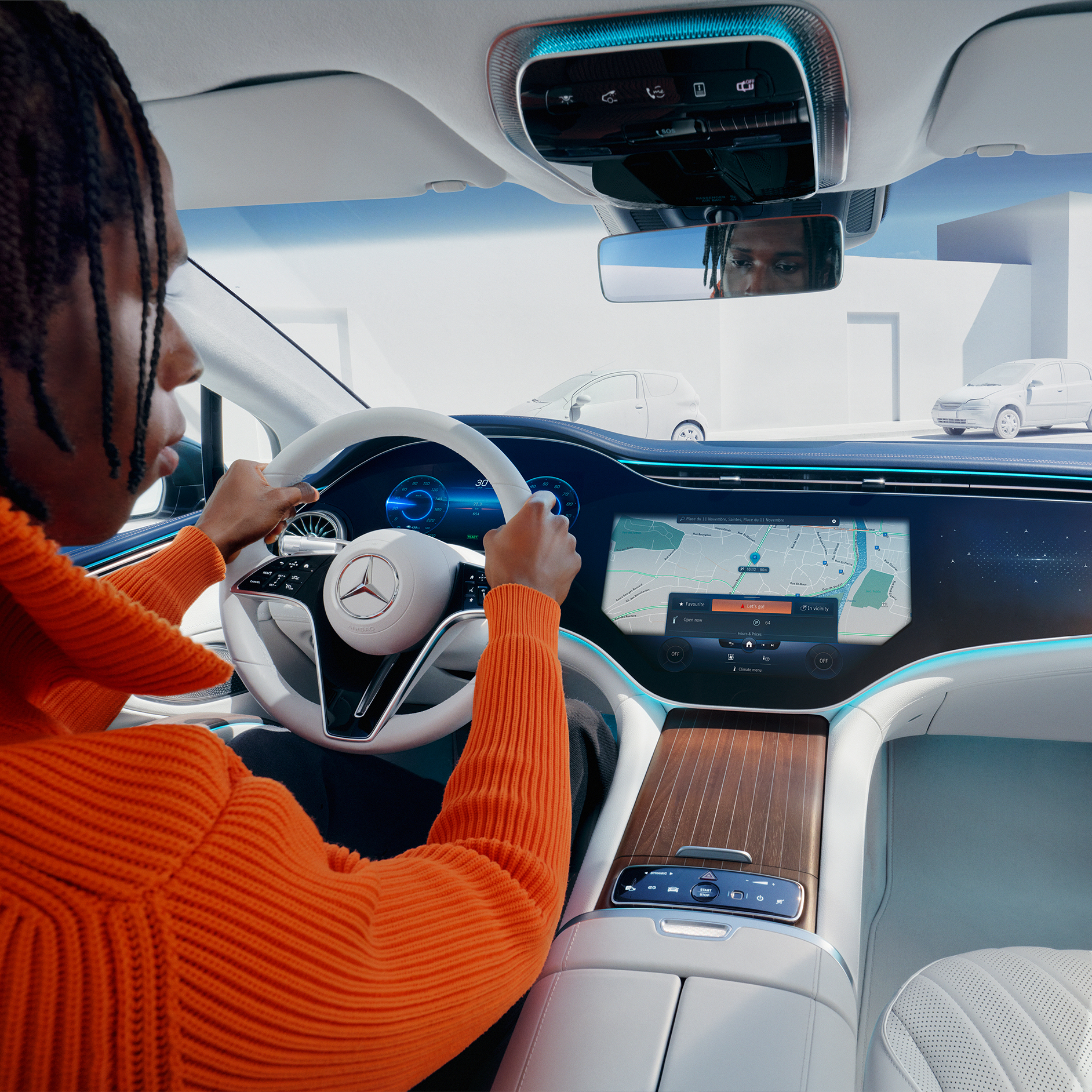
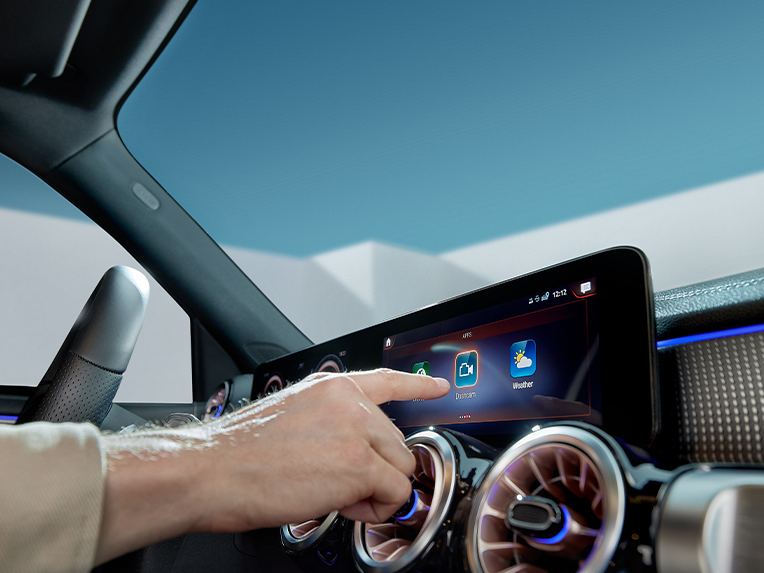
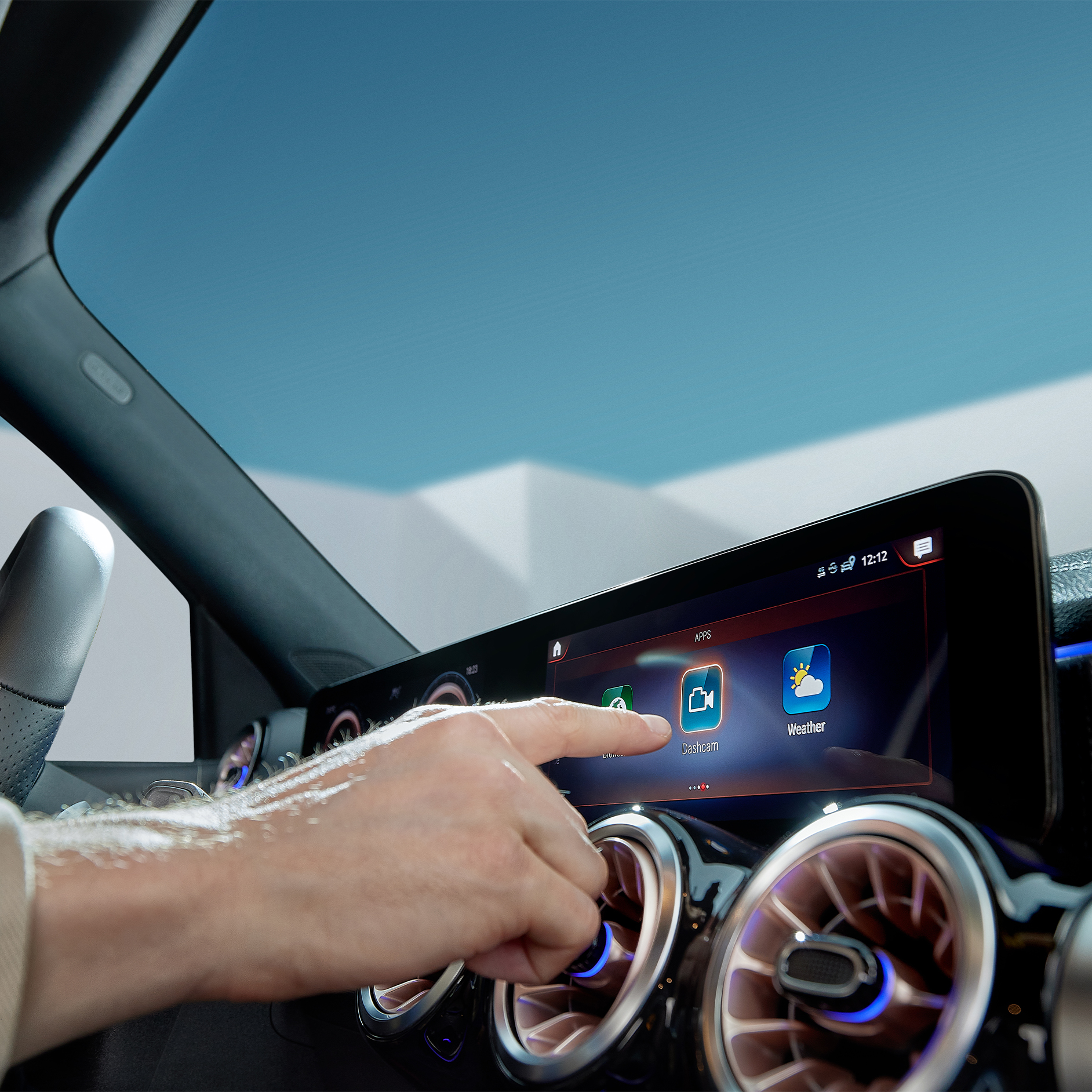
Digital Extras being selected on the screen of the MBUX multimedia system in a Mercedes-Benz.

Digital Extras for your Mercedes-Benz.

All Digital Extras available for your vehicle can be found exclusively in the Mercedes-Benz Store. 

Go to store

Your Mercedes-Benz. Our Digital Extras.

Our Digital Extras make your driving experience easier and more personalized with a wide range of functions for entertainment, comfort, safety, and navigation. Explore a curated generic overview of our Digital Extras and learn how to unlock the full potential of your Mercedes‑Benz. As an owner you can find all details about your Digital Extras – whether renewable or available additionally – exclusively in the Mercedes-Benz Store as the central point of information and access. Getting started is easy: register in the Mercedes-Benz Store with your Mercedes me ID and your Vehicle Identification Number (VIN). For all information on our Standard Equipment Digital Extras already installed at the factory take a closer look below.
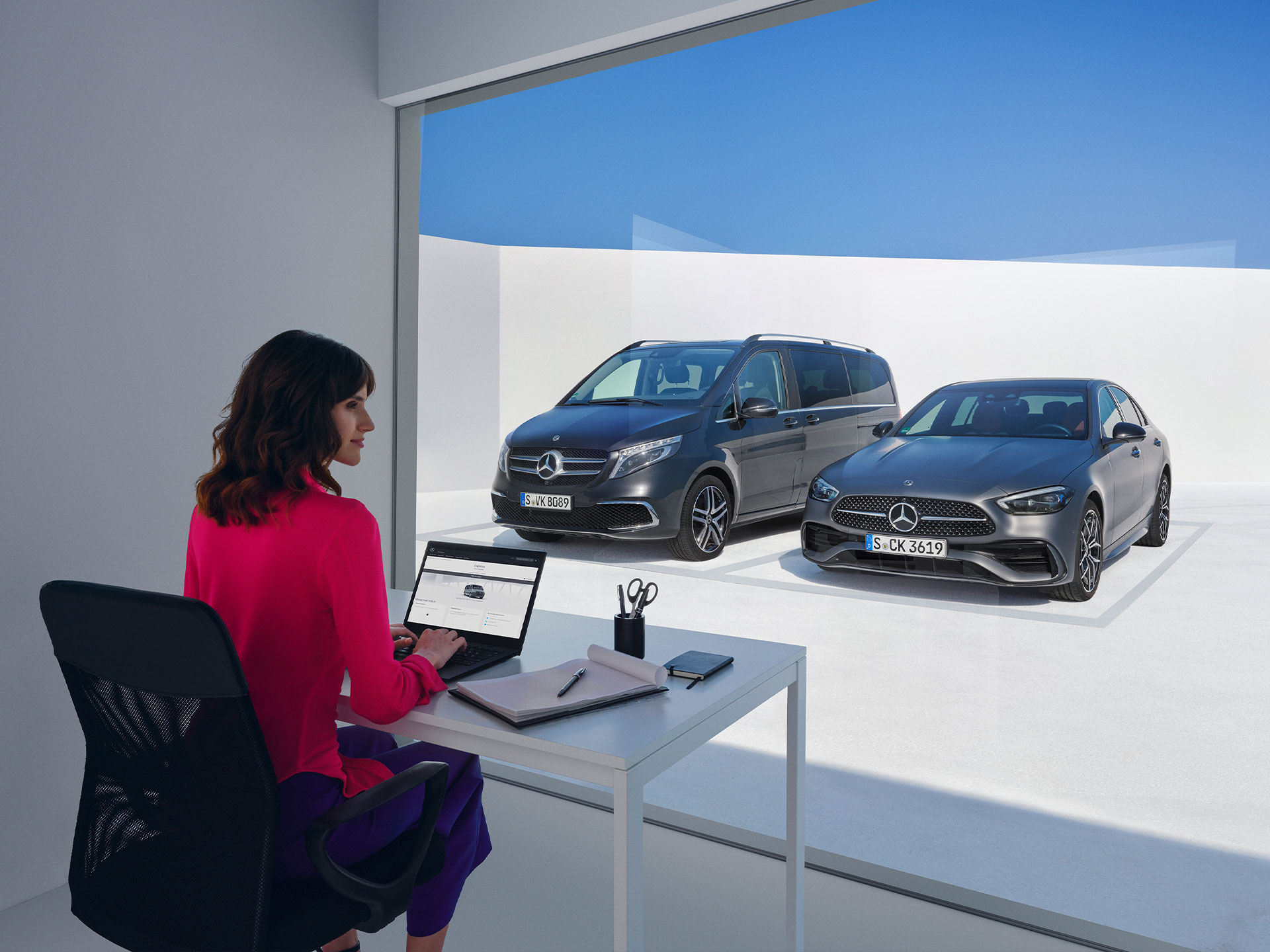
Women sitting in front of the Mercedes-Benz V-Class and C-Class and looking at a laptop.

Mercedes me ID

Mercedes me ID. Your key to the digital world of Mercedes-Benz.

Log in or register with your Mercedes me ID to experience our Digital Extras. Your personal Mercedes me ID is the key to the digital world of Mercedes-Benz and offers even more benefits beyond:
 - Manage your vehicle and experience the world of Digital Services
 - Receive personalized recommendations
 - Edit your personal data and preferences
 - Manage appointments at our Mercedes-Benz dealers

Standard Digital Extras

Exclusive Standard Digital Extras. Included in your Mercedes-Benz.

Our Standard Digital Extras are already installed in your Mercedes-Benz before you get in for the first time. To use these Standard Digital Extras, all you need to do is create a Mercedes me ID, agree to the Terms of Use, link your vehicle to your Mercedes-Benz Account and download the Mercedes-Benz App on your smartphone. Certain Digital Extras are complimentary for up to three years, subject to vehicle eligibility criteria. You can confirm which Digital Extras are complimentary for up to three years via the personal profile on the local Mercedes-Benz website. To begin using them, at vehicle handover simply set up a Mercedes-Benz Account and accept the terms and conditions, pair your vehicle to a Mercedes-Benz Account and activate your complimentary Digital Extras through the Mercedes-Benz App. Your preferred retailer can assist you with this process at vehicle handover. Alternatively, to activate it yourself, see the steps below.

"Hey Mercedes"

MBUX Voice Assistant

Talk to your Mercedes-Benz and get to know your vehicle as you've never experienced it before. The MBUX voice assistant listens to what you say. Without having to learn commands beforehand. This Digital Extra is already installed in your Mercedes-Benz before you start the engine for the first time. All you need to do is activate the MBUX voice assistant in your vehicle or through your service management. Your vehicle reads text messages out loud, checks the weather at your destination, finds the fastest route or the perfect radio station - "Hey Mercedes" is all it takes.

Man using the MBUX Voice Assistant in his vehicle.

Monthly subscription option for your Digital Extras.

Customers can now extend complimentary Digital Extras beyond their expiration by paying a renewal fee via the Mercedes-Benz Store. In addition to 12- and 36-month fixed options, Digital Extras are now available as flexible, cancel-anytime monthly subscriptions. Enjoy a complimentary trial period of one month with this subscription option (one per service, customer, and vehicle).


Enjoy greater flexibility to renew and cancel anytime, lower upfront costs with monthly payments and the ability to trial new Digital Extra products.


Login to the Mercedes-Benz Store to view our range of Subscription product offerings tailored to your vehicle.

A woman holding a mobile phone

Digital Extras Packages

Digital Extra Packages. Benefits for You.

Get the upgrade for your Mercedes-Benz with our Digital Extras, and use your smartphone to remotely operate, customise and digitally add to your vehicle. There are Digital Extras such as Remote, Navigation, Guard 360 Package included to easily and conveniently extend in the Mercedes-Benz Store. There are Digital Extras already included from the time of activation for a complimentary term of up to 36 months. The exact availability depends on your vehicle, the special equipment you have chosen, the year of manufacture and the country in which you live. After the initial term has expired, you can easily and conveniently renew the desired Digital Extras in the Mercedes-Benz Store or via the In-Car Store in your vehicle.

Digital Extras by Topic Areas

Digital Extras by Topic Areas.

Below, you will find a selection of the Digital Extras that you can purchase alongside a Mercedes-Benz. These Digital Extras have been organised by topic areas to provide an even clearer overview. The exact availability of the vehicle and special equipment you choose depends on its year of manufacture and the country in which you live.


Product changes may have been made since the production of this content.

Additional Digital Extras

Additional Digital Extras: Simply add them.

With our additional Digital Extras, you have the option of adapting your Mercedes-Benz to your wishes and needs at a later point in time. Simply choose the Digital Extra that suits you and your lifestyle, and experience your vehicle in a whole new way. Time and time again.

Discover Dashcam.

Capture each moment in real time, on and off the road with Dashcam by Digital Extras. The dashcam films what's happening on the road in front of your vehicle and saves it - while also recording the time and speed. This can help you in documenting the sequence of events in an accident and provide you with supporting evidence if necessary. You can also store landscapes and routes worth seeing and create you own automotive travel diary. Login to the Mercedes-Benz Store to view eligibility and conditions of use.

Standard Equipment Digital Extras

Digital Extras included in your Mercedes-Benz.

Our Standard Equipment Digital Extras are already installed in your Mercedes-Benz before you get in for the first time. To use these Standard Equipment Digital Extras, all you need to do is create a Mercedes me ID, agree to the Terms of Use, link your vehicle to your Mercedes-Benz account and download the Mercedes-Benz App on your smartphone.

Current Offer

Discover Dashcam.

Capture each moment in real time, on and off the road with Dashcam by Digital Extras. The dashcam films what's happening on the road in front of your vehicle and saves it - while also recording the time and speed. This can help you in documenting the sequence of events in an accident and provide you with supporting evidence if necessary. You can also store landscapes and routes worth seeing and create you own automotive travel diary. Login to the Mercedes-Benz Store to view eligibility and conditions of use.

Discover Dashcam.

How to use Digital Extras - this is how it works.


To use Mercedes-Benz Digital Extras, you first need a Mercedes me ID. To register for Mercedes-Benz Digital Extras, please follow these steps:
 

    1. Download the Mercedes-Benz App from the App Store or Google Play.
    2. Enter your telephone number or email address and tap "Next".
    3. Complete your personal information.
    4. Read the Terms of Use and tick the box to accept them.
    5. Tap on "Register".
    6. Enter the verification code sent to your smartphone or email address to complete the registration process.


Some Digital Extras come with your vehicle, you don't have to buy them. To benefit from additional services however, a purchase is necessary here.

These are some of our most popular services:
 

• Remote Retrieval of Vehicle Status
• Vehicle Tracker
• Parked Vehicle Locator
• Remote Engine Start
• Live Traffic Information
• Send2Car

The following services are included free of charge:
 

• Maintenance Management
• Accident Recovery and Breakdown Management
• Telediagnosis
• Remote Vehicle Diagnostics
• Intelligent Status & Service

To purchase a Digital Extra, please follow these steps:
 

1. Download the Mercedes-Benz App.
2. Open the app on your smartphone.
3. Select a product from the list and tap "Add to basket".
4. Tap on "Go to basket" to proceed to the checkout.
5. Tap on "Order now" and select a means of payment.
6. To complete your order, tap on "Buy now".

To discover and purchase all available services, please visit the Mercedes-Benz Store online or download the Mercedes-Benz Store App and log in with your Mercedes me ID.

iOS
Android


There are two ways to renew services or purchase new services:

  • You will receive a reminder by email 2 weeks before the end of the term. Simply follow the link in the email to renew your services.
  • You can purchase new services and extend terms at any time in the Mercedes-Benz Store App. These are automatically appended to your current terms.

Please follow these steps to renew or purchase services that are expiring:

1. Open Mercedes-Benz Store.
2. Tap "Renew" in the menu.
3. Select your desired term.
4. Tap on "Order now".
5. Tap on "Buy now" to complete your order.

iOS
Android
 

To use MB.CHARGE Public, you must first activate the service in the Mercedes-Benz App and then conclude a MB.CHARGE Public charging contract with a selected third party.

To activate MB.CHARGE Public:

1. Open the Mercedes-Benz App.
2. Tap the three-bar menu icon in the upper left corner of the screen to expand the side menu.
3. Tap on "EQS Saloon".
4. Select "Manage services".
5. Scroll to "MB.CHARGE Public".
6. Tap the button to activate the service.

To register for a MB.CHARGE Public charging contract:

1. Tap on "MB.CHARGE Public charging contract".
2. Enter your VIN and tap "Next". You will then be redirected to the page of the third-party provider.
3. Complete your personal information.
4. Select a payment method and complete the payment process.
5. You will receive your MB.CHARGE Public charge card by post shortly afterwards. You can use this charge card or the Mercedes-Benz App to activate charging stations available for MB.CHARGE Public for the charging process. To use the charge card, you must activate it in your Mercedes-Benz account.


Please follow these steps to lock and unlock the vehicle doors using the Mercedes-Benz App:

1. Open the Mercedes-Benz App.
2. Select "Lock status".
3. Check the lock status at the top of the screen to see if the doors are locked or open.
4. Tap the button to lock or unlock the doors.
5. Enter your four-digit PIN to confirm or use Face ID.


Activate the "Stolen Vehicle Help" service in the Mercedes-Benz App to be able to find your vehicle in the event of theft or loss. After activation, this service can help to speed up the investigation by police.

The service can be purchased as part of the GUARD 360˚ Package in the Mercedes-Benz Store. Please be sure to activate Stolen Vehicle Help as soon as you receive your vehicle. The benefit of this service can only be claimed 30 days after purchase (waiting period). Vehicles that are already untraceable prior to the purchase of this service or during the waiting period are not covered by the benefit of this service. Please also note your individual insurance conditions, which apply independently of this service.

To activate Stolen Vehicle Help:

1. Open the Mercedes-Benz App.
2. Go to "Settings".
3. Tap on "Manage services".
4. Scroll down to "Stolen Vehicle Help".
5. Tap the button to activate the service.

To use Stolen Vehicle Help:

1. Open the Mercedes-Benz App.
2. Tap on "More" and select "Stolen Vehicle Help".
3. Confirm your details.
4. Report the theft to the police.
5. Contact the security centre of our authorised service partner.

Once you have successfully launched Stolen Vehicle Help, our service partner will transmit the location data to the police. From this point on, the real-time location of your vehicle is shared with the police. You have no insight into the location of your vehicle during the search process.


With Send2Car, you can send an address directly to your vehicle using the Mercedes-Benz App. Once you have confirmed the destination, your navigation system will take you there.

Please follow these steps to send a destination to your vehicle:

1. Open the Mercedes-Benz App.
2. Tap on "Your location".
3. Select your destination by searching for a city or address.
4. Tap on "Route".
5. Tap on "Send address to vehicle".