Remote Digital Extras
Stay in control and activate the drive program with limited power and restricted access to personal profile data.
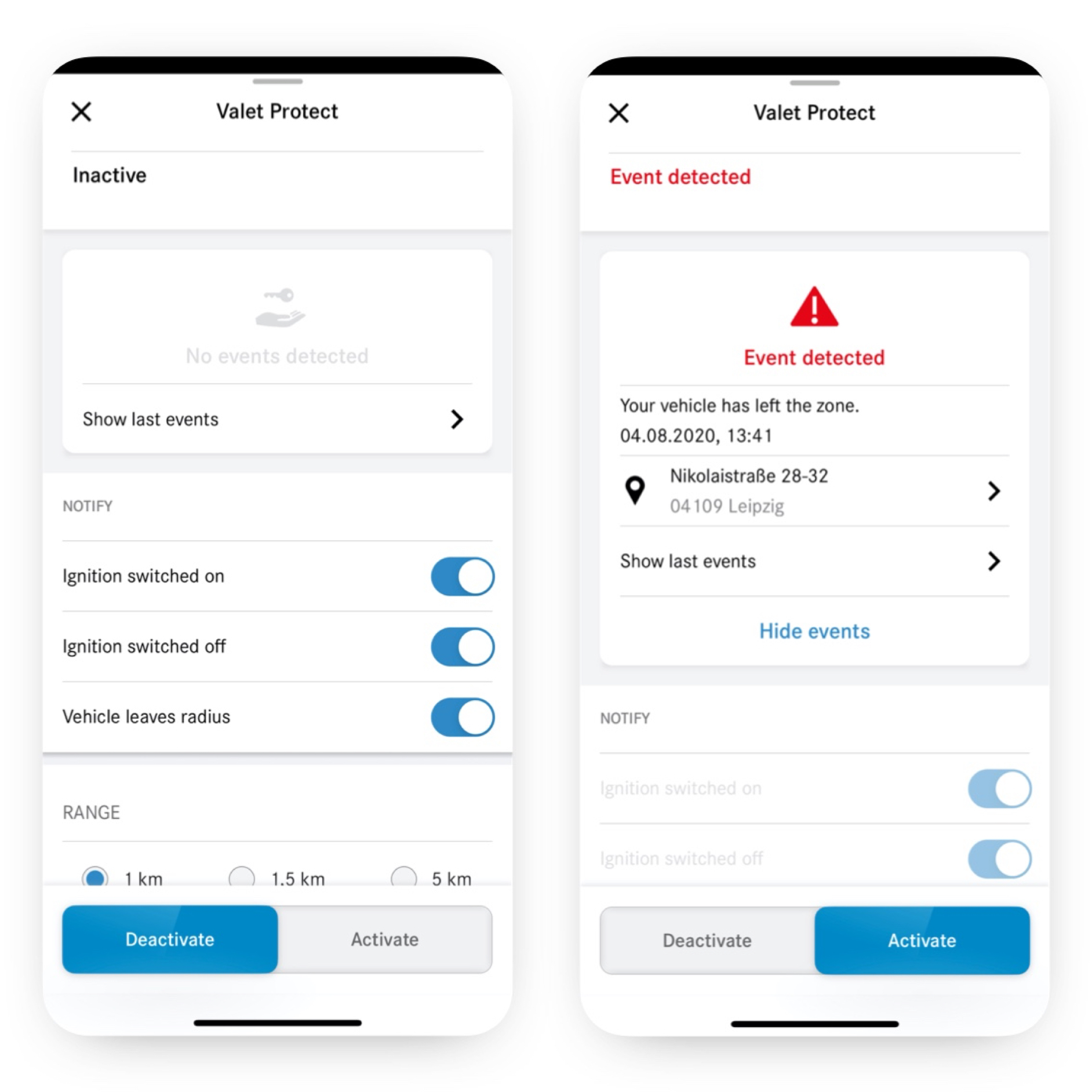;Resize=(600,450) "You can see on a smartphone the different screens that appear when the Remote Control, Valet Service Mode Digital Extra detects an infringement.")
Play it safe and use the reduced acceleration driving mode to get started with electric driving.
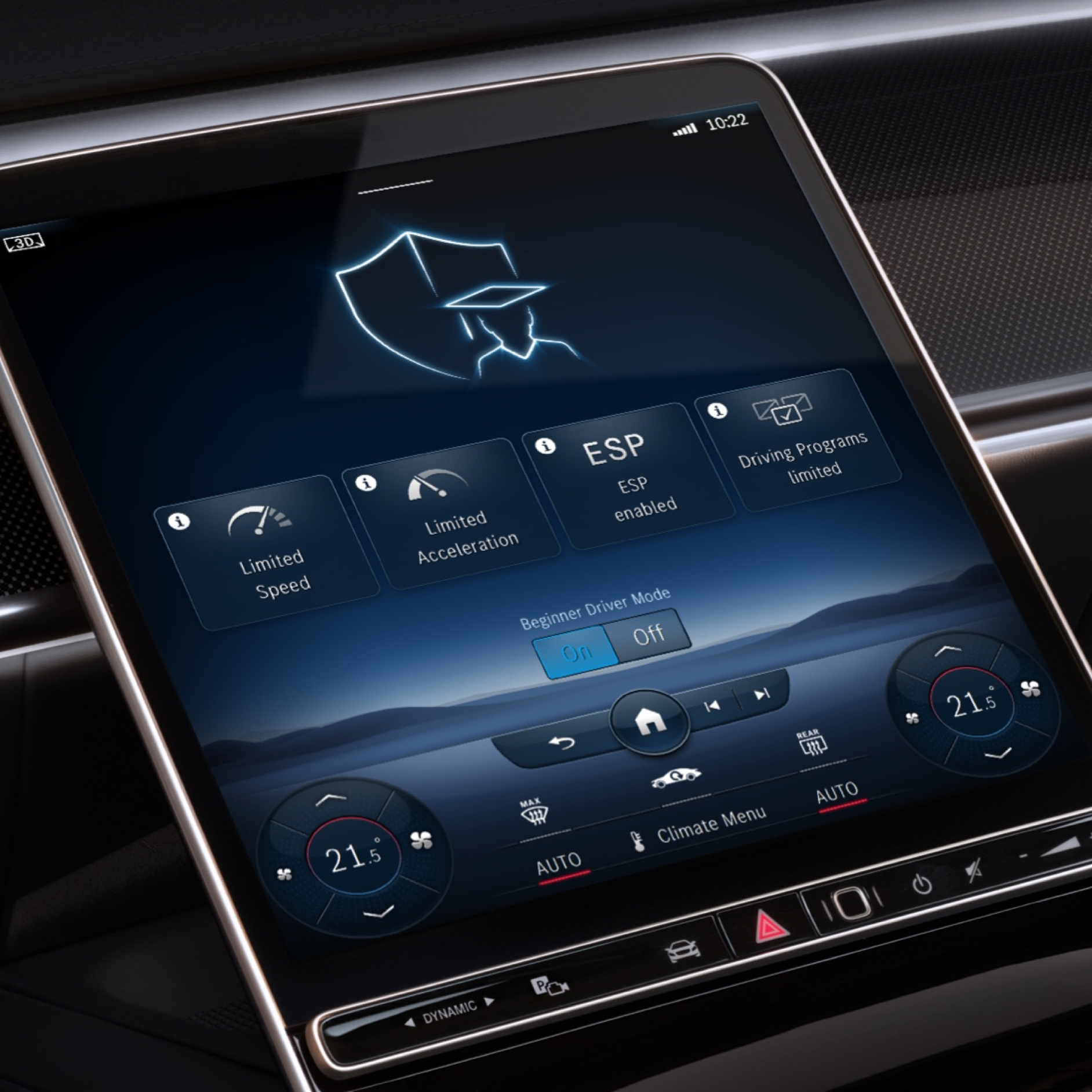;Resize=(600,450) "The menu of the Speedfencing Digital Extra is displayed on the screen of the MBUX multimedia system when the driving speed is exceeded.")
Open and lock your Mercedes-Benz via smartphone, tablet PC or computer.
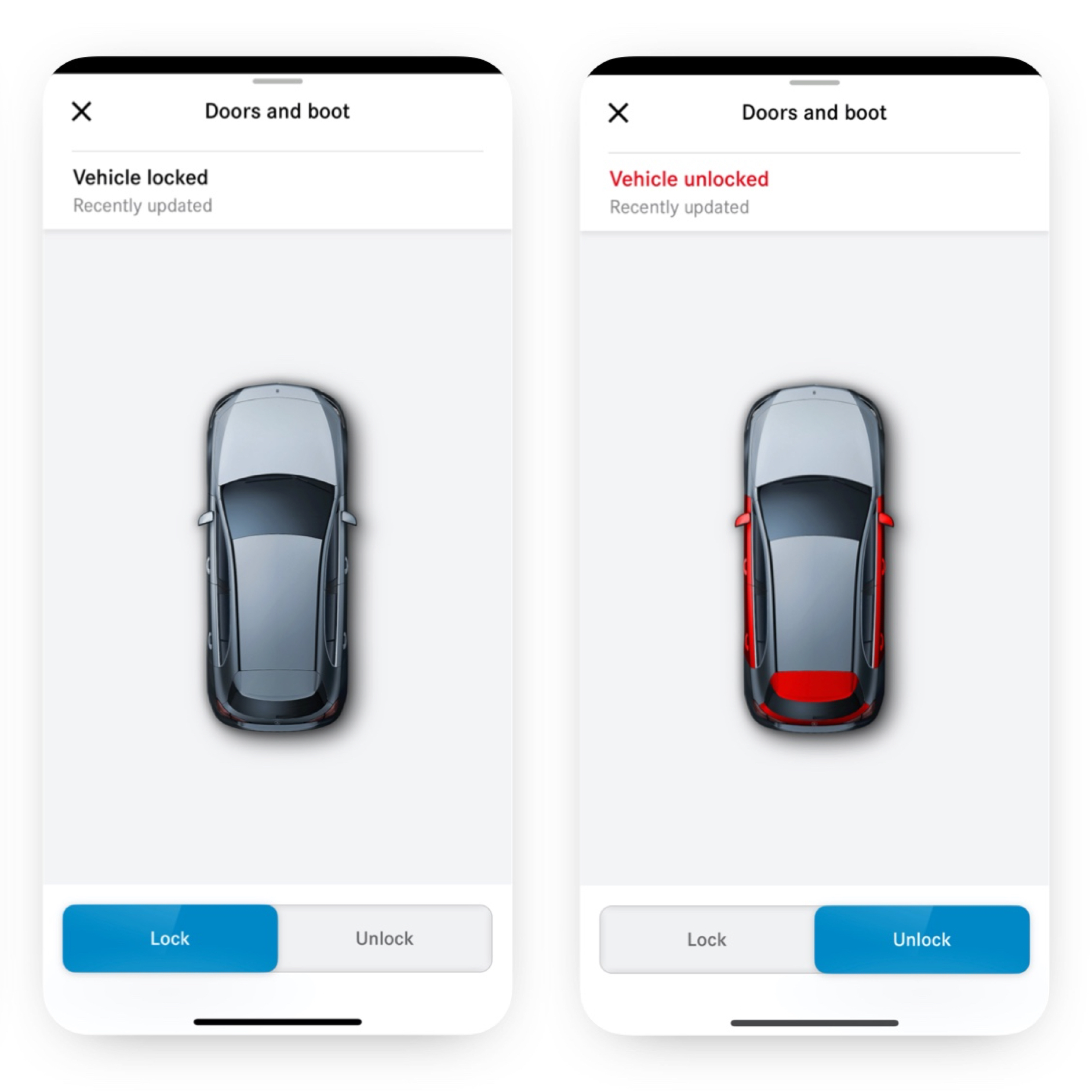;Resize=(600,450) "A smartphone shows the various screens that are displayed when the Remote Door Locking and Unlocking Digital Extra detects that not all doors are locked.")
Enjoy maximum comfort as soon as you get in and start your vehicle's auxiliary heating or ventilation remotely.
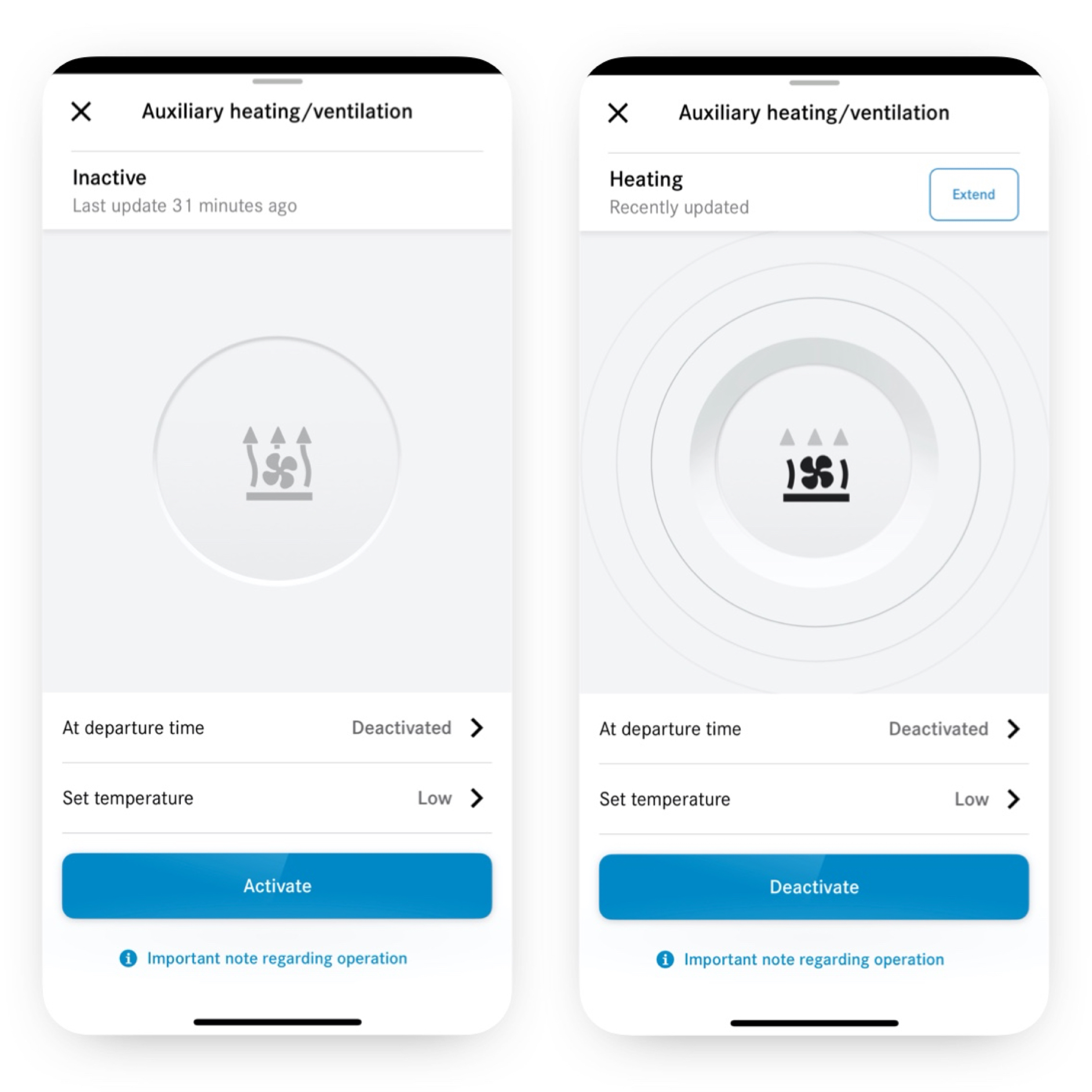;Resize=(600,450) "The climate control system is set using the Programming of Auxiliary Heating/Ventilation Digital Extra on a smartphone.")
Receive a notification when your Mercedes-Benz is driving inside or outside a defined area.
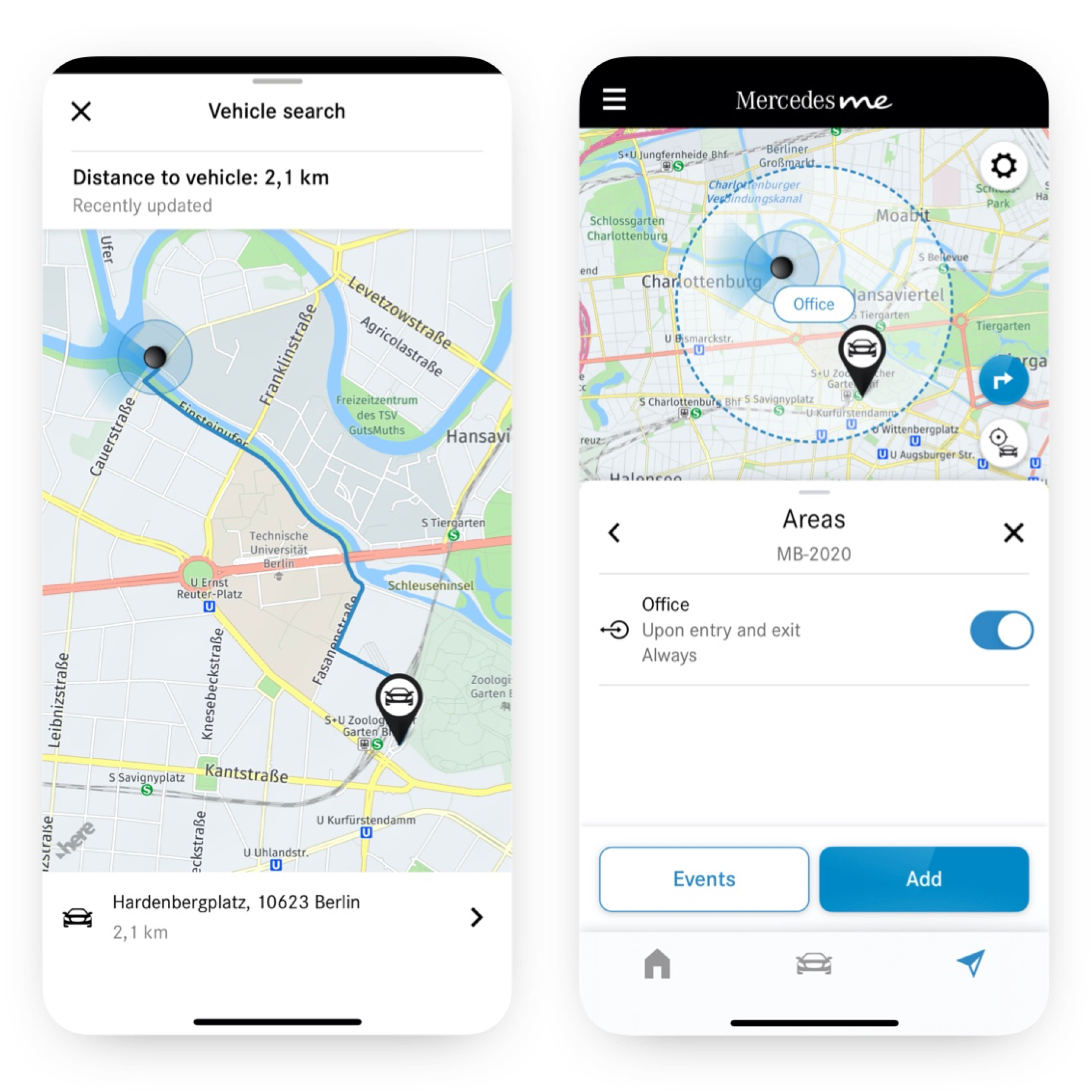;Resize=(600,450) "Thanks to the Geofencing Digital Extra, a smartphone shows whether the vehicle is driving inside or outside a defined area.")
Find your vehicle immediately even in the dark thanks to a light signal.
;Resize=(600,450) "The vehicle location is displayed in the Mercedes me App on a smartphone.")
Be informed if your Mercedes-Benz is being driven without authorisation.
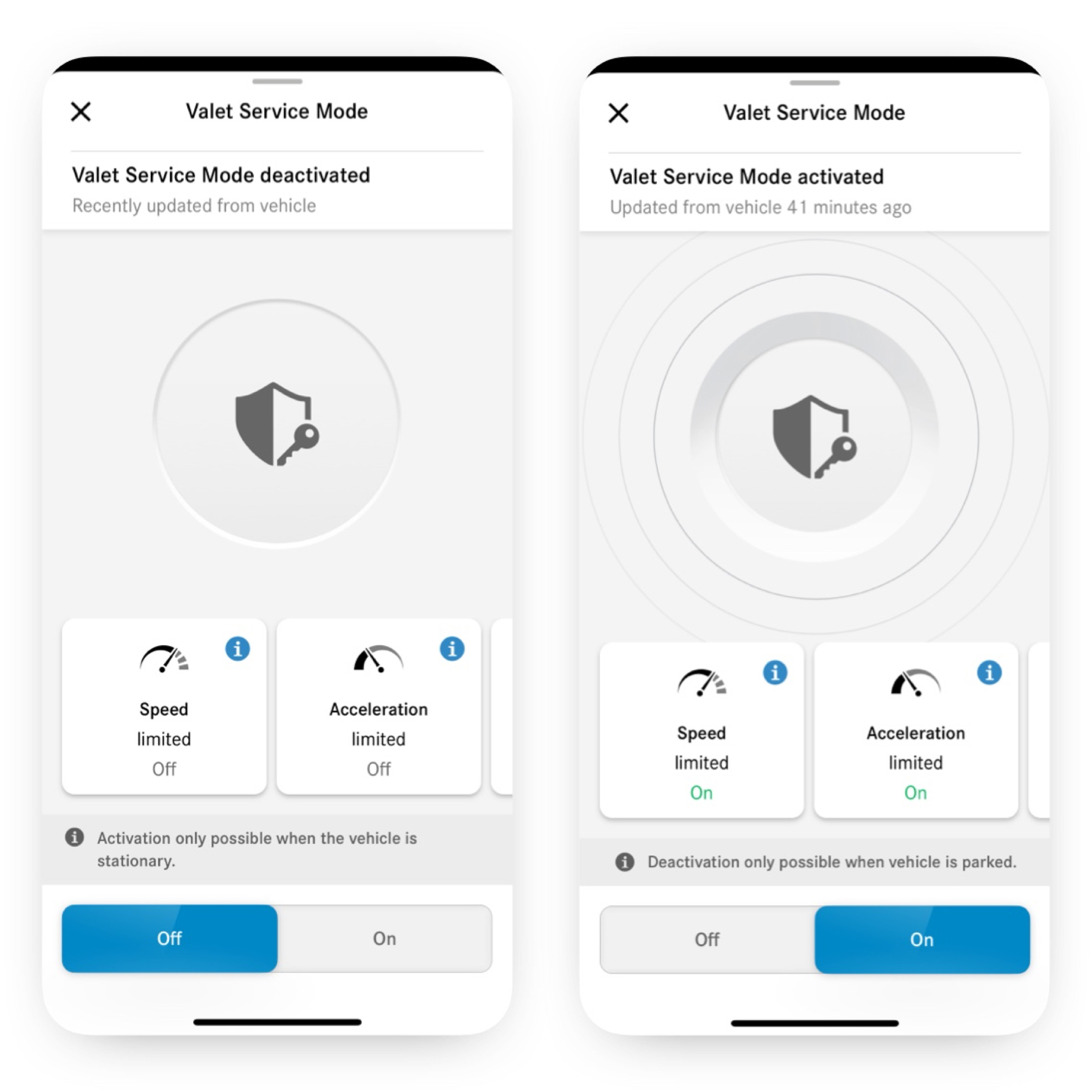;Resize=(600,450) "You can see the different screens that appear on a smartphone when the Remote Control, Valet Service Mode Digital Extra is activated.")