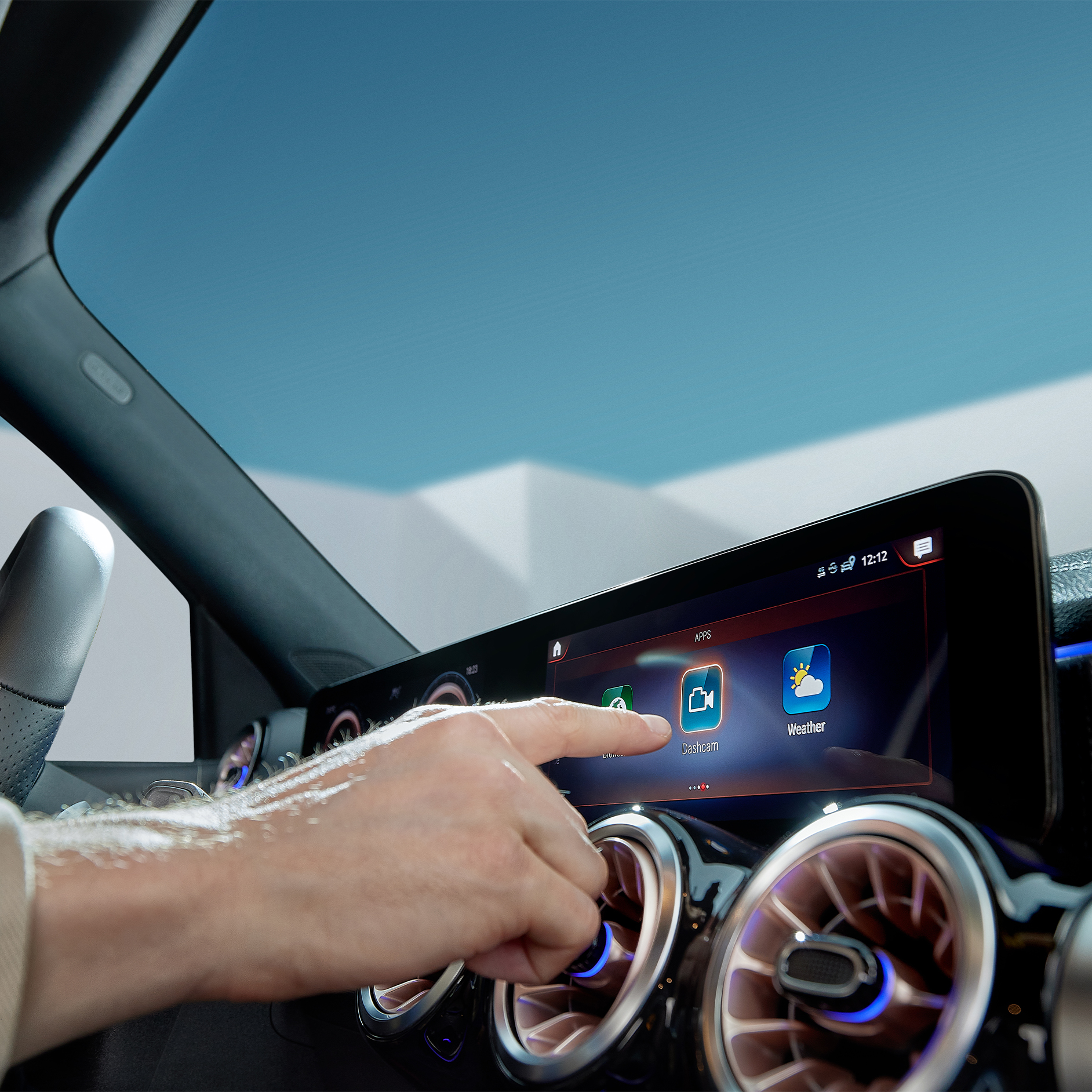
Digital Extras being selected on the screen of the MBUX multimedia system in a Mercedes-Benz.

Digital Extras for your Mercedes-Benz.

All Digital Extras available for your vehicle can be found exclusively in the Mercedes-Benz Store. 

Go to store

Your Mercedes-Benz. Our Digital Extras.

Our Digital Extras make your driving experience easier and more personalized with a wide range of functions for entertainment, comfort, safety, and navigation. Explore a curated generic overview of our Digital Extras and learn how to unlock the full potential of your Mercedes‑Benz. As an owner you can find all details about your Digital Extras – whether renewable or available additionally – exclusively in the Mercedes-Benz Store as the central point of information and access. Getting started is easy: register in the Mercedes-Benz Store with your Mercedes me ID and your Vehicle Identification Number (VIN). For all information on our Standard Equipment Digital Extras already installed at the factory take a closer look below.
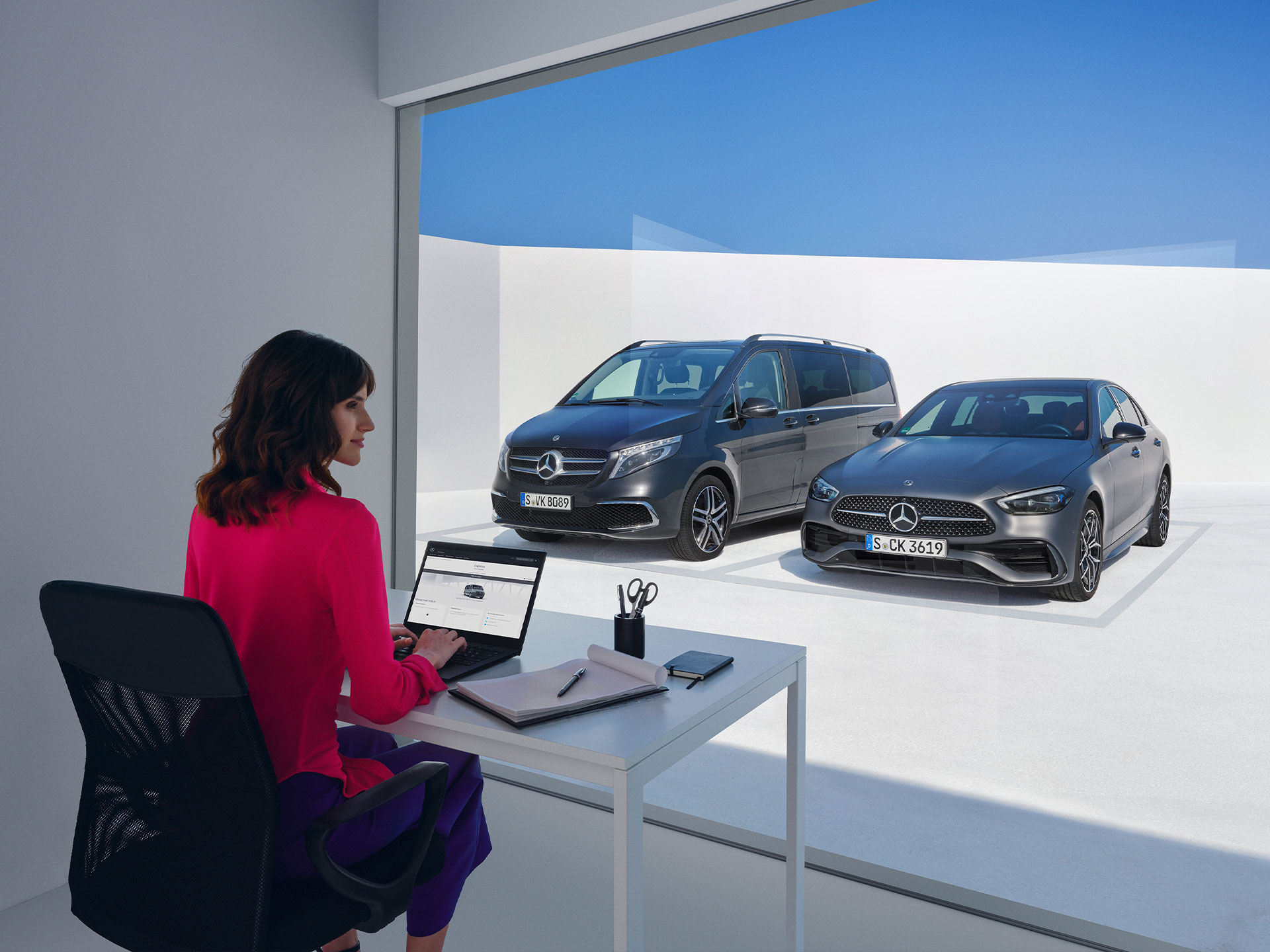
Women sitting in front of the Mercedes-Benz V-Class and C-Class and looking at a laptop.

Monthly subscription option for your Digital Extras.

Customers can now extend complimentary Digital Extras beyond their expiration by paying a renewal fee via the Mercedes-Benz Store. In addition to 12- and 36-month fixed options, Digital Extras are now available as flexible, cancel-anytime monthly subscriptions. Enjoy a complimentary trial period of one month with this subscription option (one per service, customer, and vehicle).


Enjoy greater flexibility to renew and cancel anytime, lower upfront costs with monthly payments and the ability to trial new Digital Extra products.


Login to the Mercedes-Benz Store to view our range of Subscription product offerings tailored to your vehicle.

A woman holding a mobile phone

Digital Extras Packages

Digital Extra Packages. Benefits for You.

Get the upgrade for your Mercedes-Benz with our Digital Extras, and use your smartphone to remotely operate, customise and digitally add to your vehicle. There are Digital Extras such as Remote, Navigation, Guard 360 Package included to easily and conveniently extend in the Mercedes-Benz Store. There are Digital Extras already included from the time of activation for a complimentary term of up to 36 months. The exact availability depends on your vehicle, the special equipment you have chosen, the year of manufacture and the country in which you live. After the initial term has expired, you can easily and conveniently renew the desired Digital Extras in the Mercedes-Benz Store or via the In-Car Store in your vehicle.


Product changes may have been made since the production of this content.

Mercedes-Benz Apps

Making the most of Digital Extras.

Log in to the Mercedes-Benz App with your personal Mercedes me ID and use all the advantages of our Digital Extras. The best connection to your Mercedes-Benz: The Mercedes-Benz App contains everything you need to know about your Digital Extras.
The best connection to your Mercedes-Benz: The Mercedes-Benz App.

Additional Digital Extras

Additional Digital Extras: Simply add them.

With our additional Digital Extras, you have the option of adapting your Mercedes-Benz to your wishes and needs at a later point in time. Simply choose the Digital Extra that suits you and your lifestyle, and experience your vehicle in a whole new way. Time and time again.

Current Offer

Discover Dashcam.

Capture each moment in real time, on and off the road with Dashcam by Digital Extras. The dashcam films what's happening on the road in front of your vehicle and saves it - while also recording the time and speed. This can help you in documenting the sequence of events in an accident and provide you with supporting evidence if necessary. You can also store landscapes and routes worth seeing and create you own automotive travel diary. Login to the Mercedes-Benz Store to view eligibility and conditions of use.

Discover Dashcam.

Mercedes-Benz Apps: Making the most of Digital Extras.

Log in to the Mercedes-Benz App with your personal Mercedes me ID and use all advantages of our Digital Extras. You can also purchase additional Digital Extras or renew by clicking the store tab in the App. The best connection to your Mercedes-Benz: The Mercedes-Benz App contains everything you need to know about your Digital Extras. The Mercedes-Benz Store App has now been integrated into the Mercedes-Benz App to make it even easier to use and bundle the applications.
The best connection to your Mercedes-Benz: The Mercedes-Benz App.

FAQ

Do you still have questions about Digital Extras?

Would you like to know more about Digital Extras? The most important questions and answers about registration, payment and use are available here.


    1. Make sure your vehicle is in an area with network connectivity. This is a necessary requirement for the successful activation and deactivation of your Digital Extras.
    2. Login to the Customer profile (customer login) on Mercedes-Benz website using the user symbol at the top right of the screen.
    3. Click on the user symbol again and select the entry "My Dashboard".
    4. On this page you will see the entry "Manage my digital extras" select this to get to the overview of your Digital Extras.
    5. Here you can either activate all purchased and free of charge Digital Extras with one click by clicking on "Deactivate/activate all subsequent digital extras", or activate the digital extras individually.
    6. Please note that activation of some Digital Extras may require you to provide additional information. If this is the case, you will be automatically informed.
    7. Activation of security-related digital extras, such as remote locking and unlocking, opening windows and sunroof or certain location services, requires verification of your identity. You can currently only carry out this identity check in your Mercedes-Benz App or at your dealership.


Some Digital Extras come with your vehicle, you don't have to buy them. To benefit from additional services however, a purchase is necessary here.

These are some of our most popular services:
 

• Remote Retrieval of Vehicle Status
• Vehicle Tracker
• Parked Vehicle Locator
• Remote Engine Start
• Live Traffic Information
• Send2Car

The following services are included free of charge:
 

• Maintenance Management
• Accident Recovery and Breakdown Management
• Telediagnosis
• Remote Vehicle Diagnostics
• Intelligent Status & Service

To purchase a Digital Extra, please follow these steps:
 

1. Download the Mercedes-Benz App.
2. Open the app on your smartphone.
3. Select a product from the list and tap "Add to basket".
4. Tap on "Go to basket" to proceed to the checkout.
5. Tap on "Order now" and select a means of payment.
6. To complete your order, tap on "Buy now".

To discover and purchase all available services, please visit the Mercedes-Benz Store online or download the Mercedes-Benz Store App and log in with your Mercedes me ID.

iOS
Android
 

Please follow these steps to lock and unlock the vehicle doors using the Mercedes-Benz App:

1. Open the Mercedes-Benz App.
2. Select "Lock status".
3. Check the lock status at the top of the screen to see if the doors are locked or open.
4. Tap the button to lock or unlock the doors.
5. Enter your four-digit PIN to confirm or use Face ID.


Activate the "Stolen Vehicle Help" service in the Mercedes-Benz App to be able to find your vehicle in the event of theft or loss. After activation, this service can help to speed up the investigation by police.

The service can be purchased as part of the GUARD 360˚ Package in the Mercedes-Benz Store. Please be sure to activate Stolen Vehicle Help as soon as you receive your vehicle. The benefit of this service can only be claimed 30 days after purchase (waiting period). Vehicles that are already untraceable prior to the purchase of this service or during the waiting period are not covered by the benefit of this service. Please also note your individual insurance conditions, which apply independently of this service.

To activate Stolen Vehicle Help:

1. Open the Mercedes-Benz App.
2. Go to "Settings".
3. Tap on "Manage services".
4. Scroll down to "Stolen Vehicle Help".
5. Tap the button to activate the service.

To use Stolen Vehicle Help:

1. Open the Mercedes-Benz App.
2. Tap on "More" and select "Stolen Vehicle Help".
3. Confirm your details.
4. Report the theft to the police.
5. Contact the security centre of our authorised service partner.

Once you have successfully launched Stolen Vehicle Help, our service partner will transmit the location data to the police. From this point on, the real-time location of your vehicle is shared with the police. You have no insight into the location of your vehicle during the search process.


Please follow these steps to pay digitally when refuelling:

1. Open the Mercedes-Benz App.
2. Tap on "Your location".
3. Find the nearest filling station.
4. Tap on "Start digital payment for refuelling".
5. Select your pump and the desired amount.
6. Tap on "Confirm pre-payment".
7. Once you have finished refuelling, tap on "Complete payment".
8. Check the payment details and tap "Done" to complete the payment.