MB.CHARGE Public

Public charging, made simple.

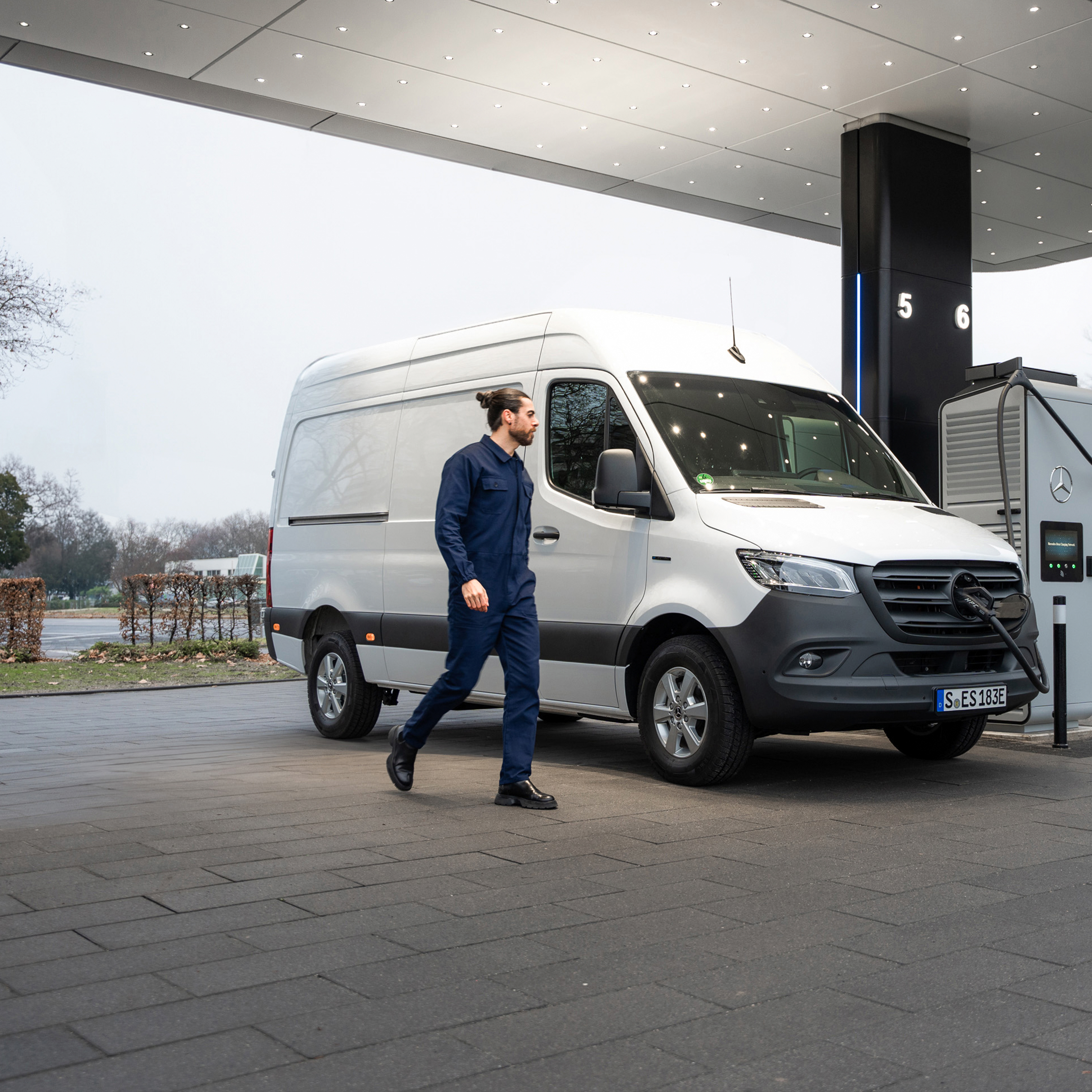
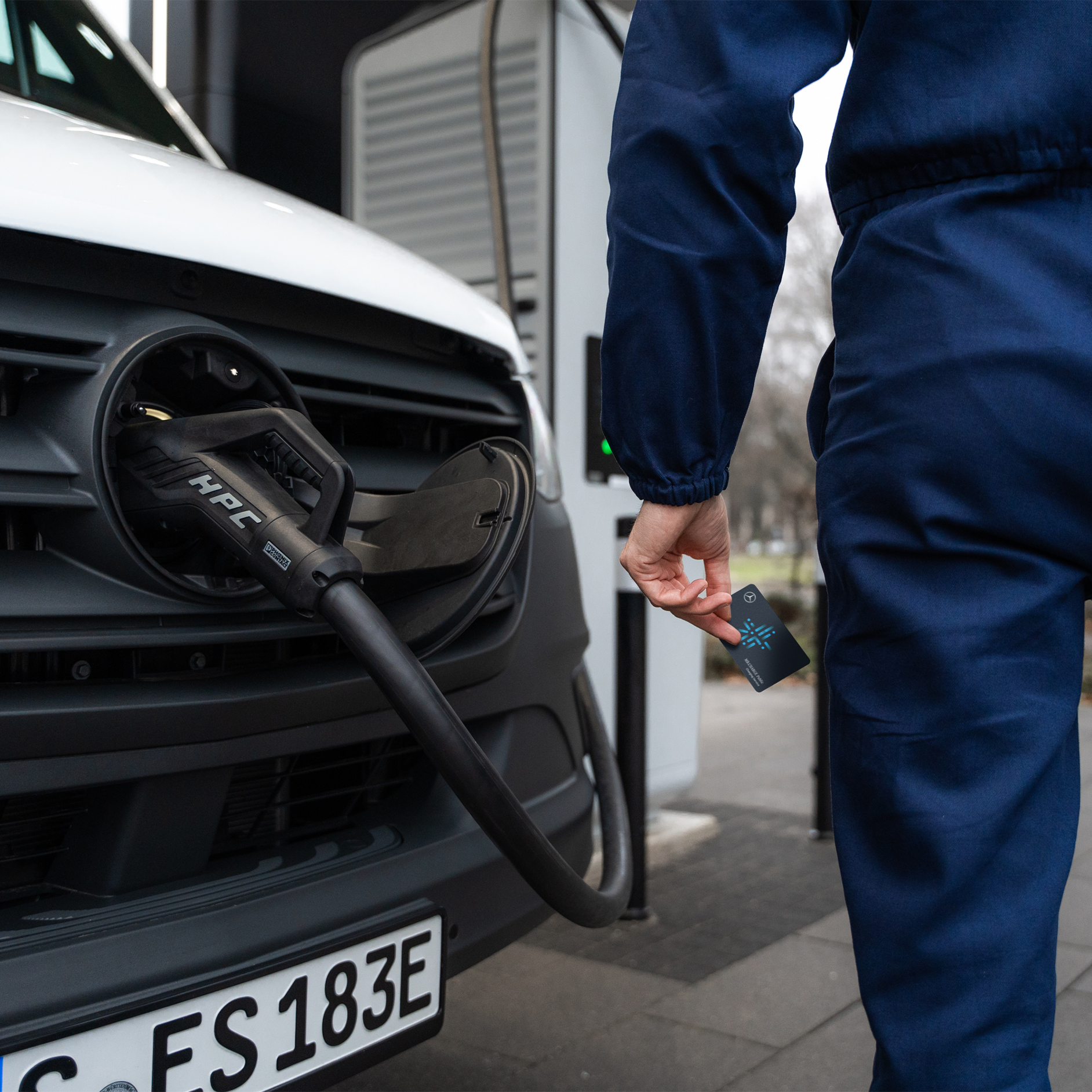
Access thousands of public charging stations across Australia with MB.CHARGE Public. Whether you're in the city or on the move, simply locate a nearby charging point via your van’s touchscreen (MBUX), the Mercedes-Benz App or your MB.CHARGE Public card. Then, start charging with ease, no extra steps required. 


Please note you will need to already have a charging contract, a Mercedes me account and have connected your electric vehicle. If not, you can download the Mercedes-Benz App to do this.
 

Download iOS App
Download Android App

MB.CHARGE Public from Mercedes-Benz.

Features and services

MB.CHARGE Public features & services.

FAQs

Frequently asked questions.

No. When you are activating MB.CHARGE Public it will ask whether you would like to pair an existing card, be sent a new card, or if you would like to skip this step entirely. 

MB.CHARGE Public requires your email address to be available in your Mercedes me account so please firstly check that all your contact details are filled in and correct. If there are no issues and you are still having trouble, please contact our customer hotline via 1300 762 718.

You can see this by clicking on a charging location, then clicking on a particular charging point. You should then see ‘Charging cost details’ which you can click to view the cost, or it may say ‘Free Of Charge’ where there is no cost to charge at that station.

The ‘Charge’ button will be greyed out when you are far away from the charging station or if you are already currently charging. When you get close to, or arrive at the charging station, the button will be clickable and will show as blue.

This means that particular charging station is not compatible with MB.CHARGE Public ie. you cannot use MB.CHARGE Public or the Mercedes-Benz App to activate or pay for charging at that station.

You can do this by filtering for MB.CHARGE Public card within the Mercedes-Benz App and/or MBUX and this should then only show eligible charging stations on the map.

Most charging stations can be activated via either your vehicle or the Mercedes-Benz App (download for iOS / Android). We do however encourage you to obtain a MB.CHARGE Public physical RFID card for charging stations where there may be no mobile reception, such as in underground shopping centre carparks. Where there is no mobile reception, you will only be able to charge with the RFID card.

You can request a MB.CHARGE card in the Mercedes-Benz App via the steps below:


1. Click the 3 bar menu icon in the top left

2. Click on your electric vehicle

3. Click ‘Manage digital extras’

4. Click ‘Charging’

5. Click ‘MB.CHARGE Public’ (not the toggle)

6. Click ‘MB.CHARGE Public charging contract’

7. Click the 3 lines in the top left

8. Click ‘MB.CHARGE Public Cards’

9. Click ‘Order me Charge Card’ 

Your MB.CHARGE Public card should arrive within 2-3 weeks of your request. If not, please check that your address is correct; you can do this either in the Mercedes-Benz Account (accessible via the person icon in the top right of our website) or via the Mercedes-Benz App (download for iOS / Android). If your address is correct, please contact our customer hotline via 1300 762 718.

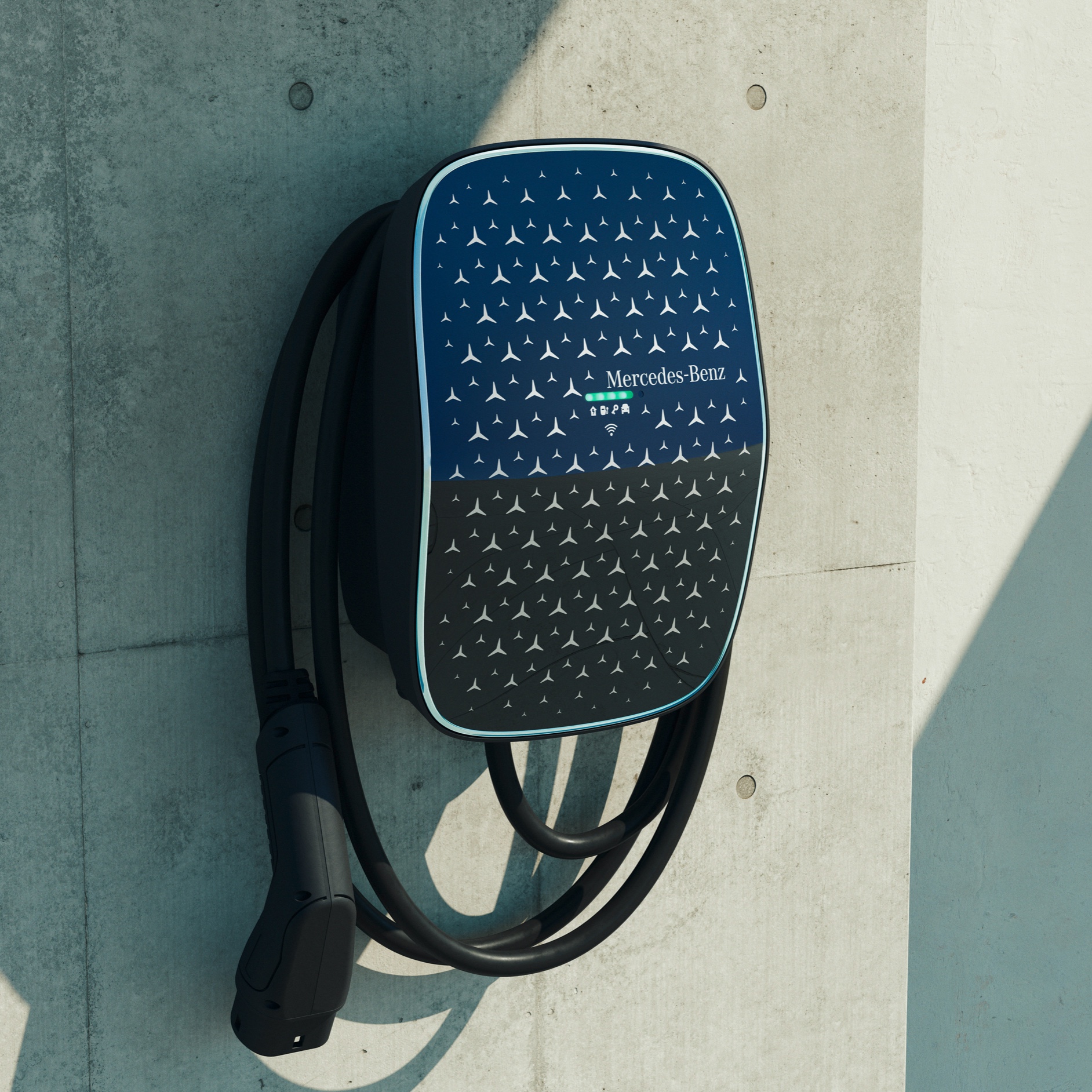
Mercedes-Benz Wallbox

Fast, easy home charging.

With the Mercedes-Benz Wallbox, you can easily charge your electric Mercedes-Benz Van at home. You can charge your electric vehicle with a maximum charging capacity of 7.2kW on single phase, delivering speeds up to three times quicker than at a conventional household power outlet.

The Mercedes-Benz Wallbox is installed on a wall.