Information provided and images displayed on this page may include overseas models and features not available in Australia. Vehicle specifications are subject to change and availability. Product changes may have been made since production of this content and visual appearance may be different in person. Please confirm specific information on vehicles and features available prior to purchase.
Digital Extras
Your Mercedes-Benz. Our Digital Extras.
Unlock the full potential of your Mercedes-Benz: Your vehicle comes equipped with a variety of Digital Extras – tailored to your model, equipment, year of manufacture and country of purchase. Many of these services are available from the moment you drive off the lot. To continue enjoying them after the initial term, simply renew in the Mercedes-Benz Store. You can also explore and purchase additional Digital Extras at any time. Getting started is easy: register in the Mercedes-Benz Store with your Mercedes me ID and your Vehicle Identification Number (VIN). Access to the Store is only possible with your VIN – ensuring your car is identified correctly and allowing you to see exactly which Digital Extras are available for your vehicle, keeping it perfectly connected to the services that make every journey even more enjoyable.
Mercedes me ID
Mercedes me ID. Your key to the digital world of Mercedes-Benz.
Log in or register with your Mercedes me ID to experience our Digital Extras. Your personal Mercedes me ID is the key to the digital world of Mercedes-Benz and offers even more benefits beyond:
- Manage your vehicle and experience the world of Digital Services
- Receive personalized recommendations
- Edit your personal data and preferences
- Manage appointments at our Mercedes-Benz dealers
Standard Digital Extras
Exclusive Standard Digital Extras. Included in your Mercedes-Benz.
Our Standard Digital Extras are already installed in your Mercedes-Benz before you get in for the first time. To use these Standard Digital Extras, all you need to do is create a Mercedes me ID, agree to the Terms of Use, link your vehicle to your Mercedes-Benz Account and download the Mercedes-Benz App on your smartphone. Certain Digital Extras are complimentary for up to three years, subject to vehicle eligibility criteria. You can confirm which Digital Extras are complimentary for up to three years via the personal profile on the local Mercedes-Benz website. To begin using them, at vehicle handover simply set up a Mercedes-Benz Account and accept the terms and conditions, pair your vehicle to a Mercedes-Benz Account and activate your complimentary Digital Extras through the Mercedes-Benz App. Your preferred retailer can assist you with this process at vehicle handover. Alternatively, to activate it yourself, see the steps below.
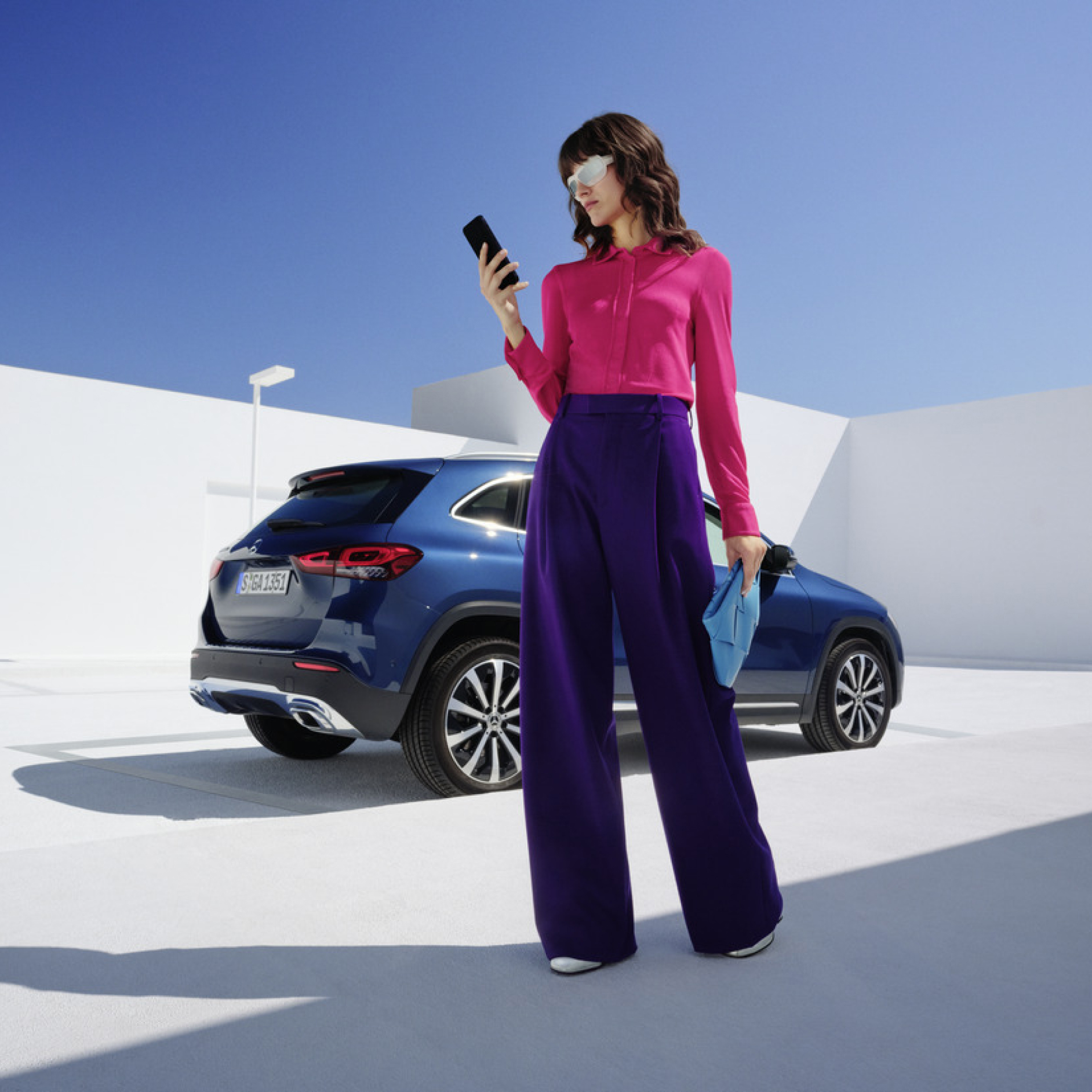
Monthly subscription option for your Digital Extras.
Customers can now extend complimentary Digital Extras beyond their expiration by paying a renewal fee via the Mercedes-Benz Store. In addition to 12- and 36-month fixed options, Digital Extras are now available as flexible, cancel-anytime monthly subscriptions. Enjoy a complimentary trial period of one month with this subscription option (one per service, customer, and vehicle).
Enjoy greater flexibility to renew and cancel anytime, lower upfront costs with monthly payments and the ability to trial new Digital Extra products.
Login to the Mercedes-Benz Store to view our range of Subscription product offerings tailored to your vehicle.
;Resize=(600,450) "Monthly subscription option for your Digital Extras")
Digital Extras Packages
Digital Extra Packages. Benefits for You.
Get the upgrade for your Mercedes-Benz with our Digital Extras, and use your smartphone to remotely operate, customise and digitally add to your vehicle. There are Digital Extras such as Remote, Navigation, Guard 360 Package included to easily and conveniently extend in the Mercedes-Benz Store. There are Digital Extras already included from the time of activation for a complimentary term of up to 36 months. The exact availability depends on your vehicle, the special equipment you have chosen, the year of manufacture and the country in which you live. After the initial term has expired, you can easily and conveniently renew the desired Digital Extras in the Mercedes-Benz Store or via the In-Car Store in your vehicle.
Product changes may have been made since the production of this content.
Current Offer
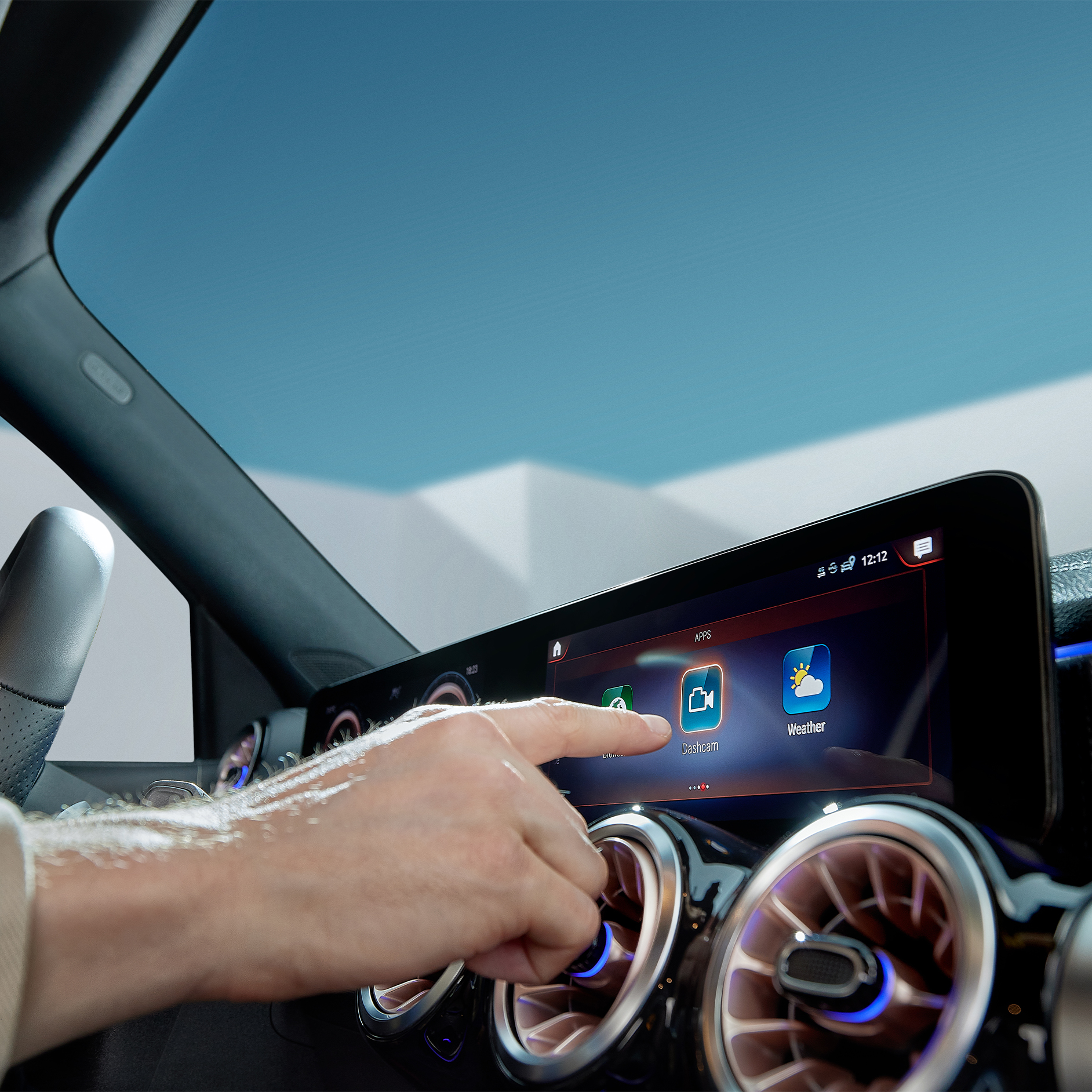
Discover Dashcam.
Capture each moment in real time, on and off the road with Dashcam by Digital Extras. The dashcam films what's happening on the road in front of your vehicle and saves it - while also recording the time and speed. This can help you in documenting the sequence of events in an accident and provide you with supporting evidence if necessary. You can also store landscapes and routes worth seeing and create you own automotive travel diary. Login to the Mercedes-Benz Store to view eligibility and conditions of use.
;Resize=(600,800) "Discover Dashcam.")
Feature availability varies between vehicles, and are subject to change. Product changes may have been made since the production of this content and visual appearance may be different in person. Please confirm specific information on vehicles and features available prior to purchase.
How to use Digital Extras - this is how it works.
- Make sure your vehicle is in an area with network connectivity. This is a necessary requirement for the successful activation and deactivation of your Digital Extras.
- Login to the Customer profile (customer login) on Mercedes-Benz website using the user symbol at the top right of the screen.
- Click on the user symbol again and select the entry "My Dashboard".
- On this page you will see the entry "Manage my digital extras" select this to get to the overview of your Digital Extras.
- Here you can either activate all purchased digital extras with one click by clicking on "Deactivate/activate all subsequent digital extras", or activate the digital extras individually.
- Please note that activation of some Digital Extras may require you to provide additional information. If this is the case, you will be automatically informed.
- Activation of security-related digital extras, such as remote locking and unlocking, opening windows and sunroof or certain location services, requires verification of your identity. You can currently only carry out this identity check in your Mercedes-Benz App or at your dealership.
You can also activate Digital Extras in the Mercedes-Benz App. In one click, select Activate Digital Extras under 'My garage, Manage Digital Extras.
Certain Digital Extras are complimentary for up to 3 years, depending on your vehicle's capabilities. Additional Digital Extras can be purchased via the Mercedes-Benz Store.
The following services are included free of charge:
• Maintenance Management
• Accident Recovery and Breakdown Management
• Telediagnostics
• Remote Vehicle Diagnostics
You can purchase various Digital Extras in the Mercedes-Benz web store, app or In-Car Store.
To purchase a Digital Extra in the Mercedes-Benz App, please follow these steps:
1. Download the Mercedes-Benz App.
2. Open the app on your smartphone.
3. Tap on the store tab in bottom right corner in the Mercedes-Benz App.
4. Select a product from the list and tap "Add to basket".
5. Tap on "Go to basket" to proceed to the checkout.
6. Tap on "Order now" and select a means of payment.
7. To complete your order, tap on "Buy now".
To discover and purchase all available services, please visit the Mercedes-Benz Store online or download the Mercedes-Benz App and log in with your Mercedes me ID.
Activate the "Stolen Vehicle Help" service in the Mercedes-Benz App to be able to find your vehicle in the event of theft or loss. After activation, this service can help to speed up the investigation by police.
The service can be purchased as part of the GUARD 360˚ Package in the Mercedes-Benz Store. Please be sure to activate Stolen Vehicle Help as soon as you receive your vehicle. The benefit of this service can only be claimed 30 days after purchase (waiting period). Vehicles that are already untraceable prior to the purchase of this service or during the waiting period are not covered by the benefit of this service. Please also note your individual insurance conditions, which apply independently of this service.
To activate Stolen Vehicle Help:
1. Open the Mercedes-Benz App.
2. Go to "Settings".
3. Tap on "Manage services".
4. Scroll down to "Stolen Vehicle Help".
5. Tap the button to activate the service.
To use Stolen Vehicle Help:
1. Open the Mercedes-Benz App.
2. Tap on "More" and select "Stolen Vehicle Help".
3. Confirm your details.
4. Report the theft to the police.
5. Contact the security centre of our authorised service partner.
Once you have successfully launched Stolen Vehicle Help, our service partner will transmit the location data to the police. From this point on, the real-time location of your vehicle is shared with the police. You have no insight into the location of your vehicle during the search process.
Ensure you have unpaired your vehicle from your Mercedes-Benz Account. If you have a monthly subscription, ensure you have cancelled the ongoing subscription before unpairing and deleting your account; Your card will still be charged if Subscription is not cancelled.